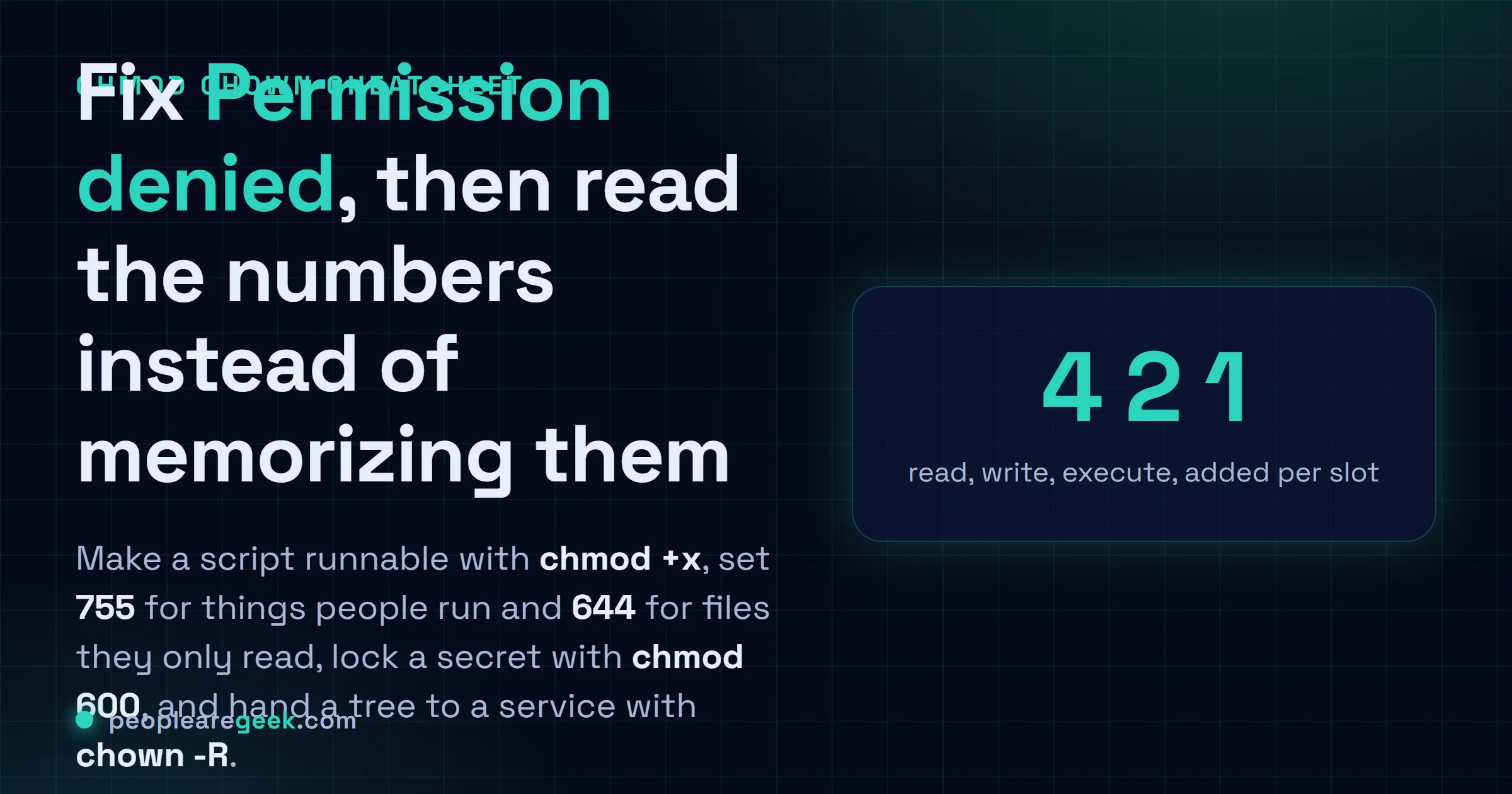
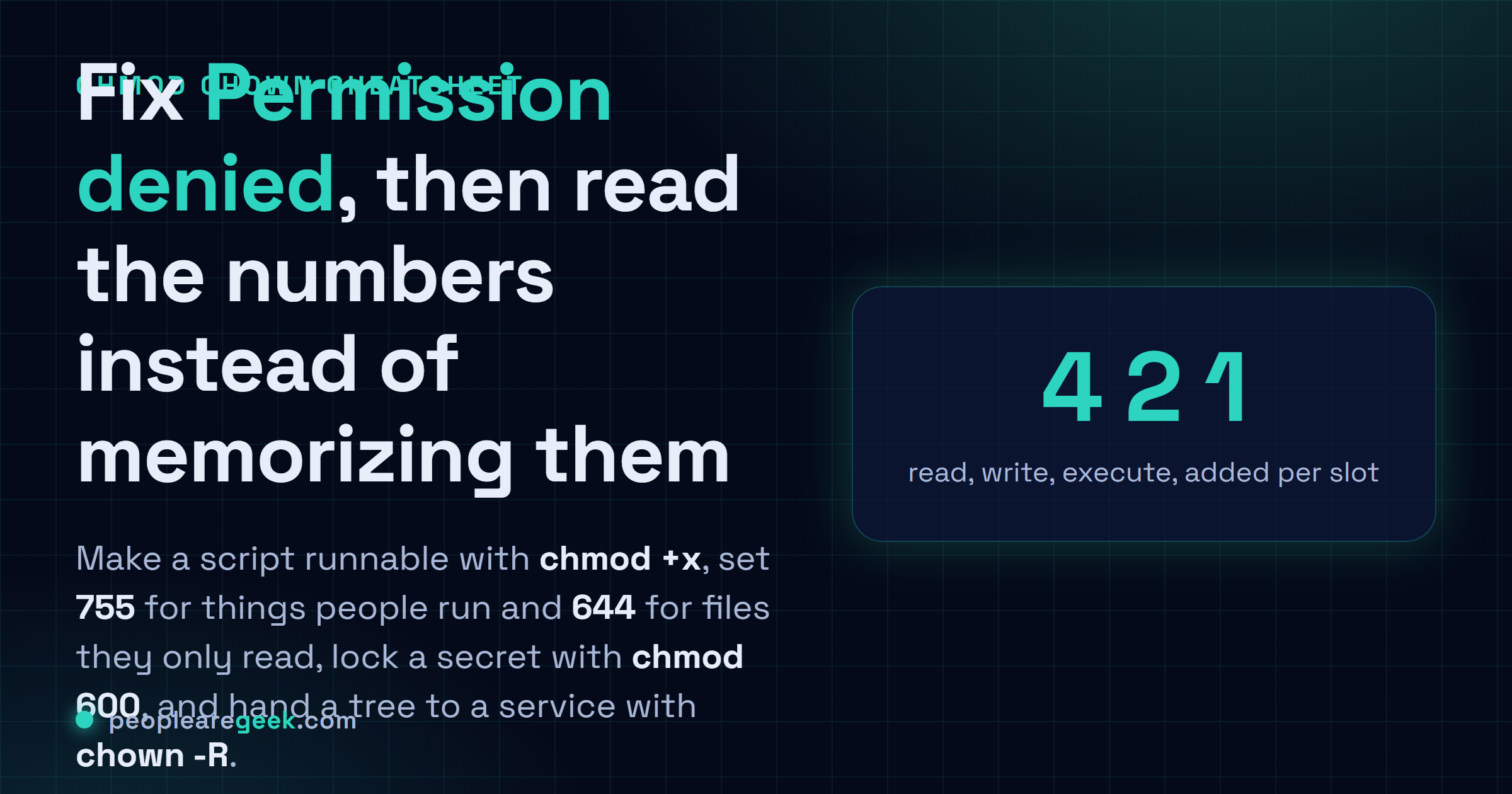
The Linux chmod and chown cheatsheet you actually reach for starts with the one thing everyone googles: you ran a script, Bash said Permission denied, and you need the fix. It is chmod +x script.sh, copy it and swap the filename. From there this card groups the recipes by goal. The two numbers worth memorizing are 755 for things people run or visit and 644 for plain files they only read. Lock a secret with chmod 600. Change ownership with chown, and hand a whole web root to the server account with chown -R. Read is 4, write is 2, execute is 1, added up per slot, and once that clicks you stop memorizing magic numbers and start reading them.
The short answer
Make a script runnable with chmod +x script.sh, then ./script.sh actually runs.
Reach for chmod 755 for things people run or visit and chmod 644 for plain files
they only read. Lock a secret with chmod 600 secret.key. Hand a whole web root to the
server account with chown -R www-data:www-data /var/www. The number code: read is 4,
write is 2, execute is 1, added up per slot.
You downloaded a script. You ran it. Bash told you "Permission denied" and now you're here. That's nine times out of ten why anyone googles chmod, so the fix for that exact thing sits right at the top. Copy it, swap the filename, you're done. The annoying truth about chmod is that it's two tools wearing one trench coat: there's the quick three-digit number everyone half-remembers, and there's a tidier letter syntax almost nobody uses. We'll do both.
One quick map before the recipes. chmod changes permissions, what can be done to a file. chown changes ownership, who the file belongs to. Different jobs, easy to mix up. And permissions split three ways: the user who owns it, the group, and everyone else (the "other" bucket). Keep those two ideas straight and the rest is just notation.
Make a script executable (the denied-permission fix)
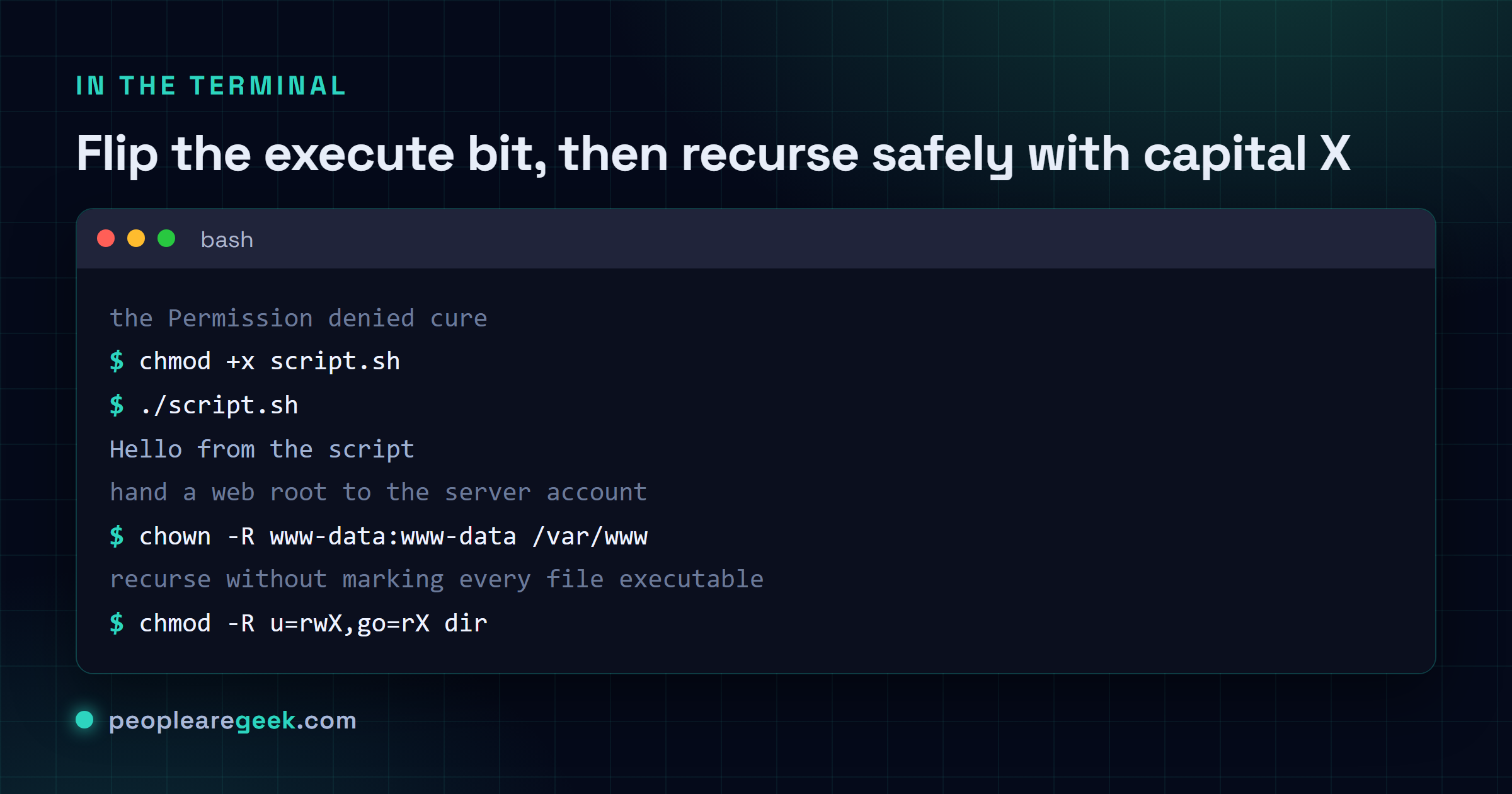
This is the one. You wrote a .sh file, or you pulled one off the internet, and the shell flatly refuses to run it. The file is missing its execute bit, that's all. chmod +x script.sh flips that bit on and ./script.sh springs to life. No number to look up, no thinking. Just +x.
| Command | What it does |
|---|---|
chmod +x script.sh | Adds execute for everyone, the fast cure for "Permission denied" |
chmod u+x script.sh | Adds execute for just you, the owner, and nobody else |
chmod u+x,go-w file | Make it runnable by you and strip write from group and other in one shot |
chmod -x script.sh | Takes the execute bit back off when you want it dead |
Plain +x grants execute to all three slots at once, which is usually fine for a helper script in your home folder. If you're fussier, or it's a shared box, u+x hands the run permission to you alone. Honestly I default to +x and only get specific when something tells me to. That second one, u+x,go-w, is the letter syntax flexing: comma-separated changes, each aimed at a specific slot. We'll lean on that more in a minute.

The number code: why 755 and 644 keep showing up
Here's the model that unlocks every numeric chmod you'll ever type. Each permission has a value. Read is 4, write is 2, execute is 1. You add them together to get one digit, and you write three digits, one each for user, group, other. So 7 means 4+2+1, all of it, rwx. 6 is 4+2, read and write, no execute. 5 is 4+1, read and execute. 4 is read only. That's the entire trick, and once it clicks you stop memorizing magic numbers and start reading them.
| Command | What it does |
|---|---|
chmod 755 file | rwx for you, rx for group and other. Scripts, binaries, directories people enter |
chmod 644 file | rw for you, read for the rest. The default for normal files |
chmod 600 secret | rw for you, nothing for anyone else. Keys, tokens, password files |
chmod 700 dir | rwx for you, locked to everyone else. A private folder |
Why does a directory need execute? It feels wrong at first. On a folder, the execute bit means "you're allowed to enter this and reach what's inside". No x on a directory and you can't cd into it even if you can technically read its name. That's exactly why 755 shows up on folders so much: the 5 (read plus execute) lets people list and traverse without letting them write. Files don't need x unless they're meant to run, which is the whole reason 644, not 755, is right for a text file or an image.
Want this done without the mental math? Our chmod calculator turns checkboxes into the exact number and the exact command. I still use it when I'm half asleep and second-guessing whether 640 or 644 is what I meant.
Change ownership with chown (and the -R web-root move)
Permissions decide what can be done. Ownership decides who's doing it. chown reassigns the owner, and optionally the group, in one go. The classic case: you copied a site into /var/www as root, and now the web server can't write to it because root owns everything. Hand the tree to the service account and the problem evaporates.
| Command | What it does |
|---|---|
chown user file | Changes just the owner to user, leaves the group alone |
chown user:group file | Sets owner and group together with the colon |
chown -R www-data:www-data /var/www | Recursively hands a whole tree to the web server account |
chown :group file | Changes only the group, owner untouched (note the leading colon) |
chgrp group file | The dedicated group-only tool, same effect as chown :group |
The -R is the one you'll reach for on web roots, deploy folders, anything with nested directories. It walks the entire tree and reassigns every file and folder underneath. That's powerful and a little scary, which brings me to the warning everyone learns the hard way: -R on the wrong path is a genuine disaster. Run chown -R you / with a stray space or a typo'd variable and you've just rewritten ownership across the whole system, which can break login, sudo, the lot. Look twice at the path before you hit enter. I mean it.
Recursive permissions without wrecking your files
Here's where most people make a quiet mess. You've got a directory tree, the permissions are scrambled, and you want to fix them in bulk. The lazy reflex is chmod -R 755 dir, and it works, sort of, except it just slapped the execute bit onto every plain file in there too. Now your config files and your images are all marked executable for no reason. Harmless-ish, but sloppy, and a linter or a security scan will nag you about it.
| Command | What it does |
|---|---|
chmod -R 755 dir | Sets 755 on everything, files included, even ones that shouldn't run |
chmod -R u=rwX,go=rX dir | The smart recursive: capital X only adds execute to directories and already-executable files |
chmod o-rwx file | Strips all access from "other", leaving user and group as they were |
chmod g+w file | Adds write for the group, a common shared-folder tweak |
That capital X is the underrated star of the whole toolset, and barely anyone knows it's there. Lowercase x means "execute, always". Capital X means "execute, but only on directories, or on files that already had an execute bit somewhere". So chmod -R u=rwX,go=rX dir gives directories their needed traversal bit and leaves your plain files alone. It fixes the exact mess that -R 755 creates. Once you've used it, going back to blanket 755 feels careless.
My take: chmod 777 is a smell, not a fix, and capital X deserves a sticky note. When something won't work and a forum tells you to chmod 777 it, please don't, or at least don't stop there. 777 means every user on the box can read, write, and execute that file, which is almost never what you actually need and is a gift to anyone poking around. Nine times out of ten the real fix is ownership (a chown to the right user) or a sane 755 or 644, not throwing the doors open. 777 makes the error message go away by making the permission system stop mattering, and that's a security smell every time I see it in a tutorial. The flip side, the thing I wish more people reached for: capital X in a recursive change. chmod -R u=rwX,go=rX does the right thing for directories and files in one pass, no collateral damage. Maybe I'm a little too evangelical about one obscure letter, I'll own that. But it's saved me from re-breaking permissions so many times that I genuinely think it's the most underused flag chmod ships.
A quick word on umask
Ever wonder why a brand new file shows up as 644 without you touching chmod at all? That's umask. It's a mask that subtracts permissions from the default when files get created. A typical umask of 022 strips write from group and other, which is how you land on 644 for files and 755 for directories automatically. You rarely need to set it by hand. Just know it's the reason your defaults look the way they do, and if a whole directory of new files keeps coming out with permissions you didn't expect, umask is the usual suspect. Run umask with no arguments to see the current value.
Where to go from here
That's the working set. Flip the execute bit with +x, read the numbers (4, 2, 1, added per slot), reach for 755 and 644 by reflex, lock secrets to 600, fix ownership with chown and its -R, and use capital X for recursive jobs so you don't carpet-bomb files with the execute bit. Steer clear of 777. That covers nearly everything I do with permissions in a normal week.
Frequently asked questions
How do I make a file executable in Linux?
Run chmod +x script.sh, then run it with ./script.sh. The +x adds the execute bit, which is the thing missing whenever the shell says Permission denied on a script you know is fine. If you only want yourself to be able to run it on a shared machine, use chmod u+x script.sh instead, which grants execute to the owner alone and leaves group and other without it.
What is the difference between chmod 755 and 644?
Both come from the numeric model where read is 4, write is 2 and execute is 1, added up per slot for user, group and other. 755 is rwx for you and rx for everyone else, so it suits scripts, programs and directories people need to enter. 644 is rw for you and read for the rest, with no execute anywhere, which is what plain files like text and images should be. The short version: 755 if it runs or gets traversed, 644 if it only gets read.
What does chmod 777 do, and is it safe?
777 grants read, write and execute to the owner, the group and everyone else, so every account on the machine can do anything to that file. It is rarely the right fix and is a common security mistake. When something will not work, the real cause is usually wrong ownership or a too-strict mode, so a chown to the correct user or a sane 755 or 644 solves it without opening the file to the whole system. Treat a 777 in a tutorial as a warning sign, not advice.
How do I change the owner of a file or folder?
Use chown user file to set the owner, or chown user:group file to set owner and group together with a colon. For a whole directory tree, add -R, as in chown -R www-data:www-data /var/www, which is the usual move for handing a web root to the server account. Be careful with -R: running it on the wrong path, like the system root because of a typo or a stray space, can break logins and sudo, so check the path before you press enter.
How do I set permissions recursively without making every file executable?
Use chmod -R u=rwX,go=rX dir with a capital X. Capital X adds the execute bit only to directories and to files that were already executable, so your plain files stay non-executable while folders keep the traversal bit they need. This avoids the mess that chmod -R 755 dir creates, which marks every file executable including configs and images that should never run. The lowercase x would apply execute to everything, which is the thing you are trying to avoid.