DNS over HTTPS (DoH) might be the cheapest privacy win I can hand a team, and it is also the one people botch most. It wraps your lookups in TLS 1.3 on port 443, so on the wire they look like any other HTTPS chatter. This is the whole thing the way I actually run it: what DoH buys you (and what it quietly does not), how to flip it on for Windows, Linux and macOS clients, how to stand up your own resolver with unbound and dnsdist, how to enforce it at the edge on pfSense and OPNsense, plus the monitoring and policy tricks that keep it from blinding the tools you already lean on.
The short answer
DoH wraps every DNS lookup in TLS on port 443, so an on-path observer sees you
talking to one resolver IP and nothing else, not the hostnames you asked for.
Turn it on natively per OS, or stand up dnsdist (DoH front-end) over unbound
(recursion) so the queries never leave the building. It is not a VPN: it seals
the lookup, not the connection that follows.
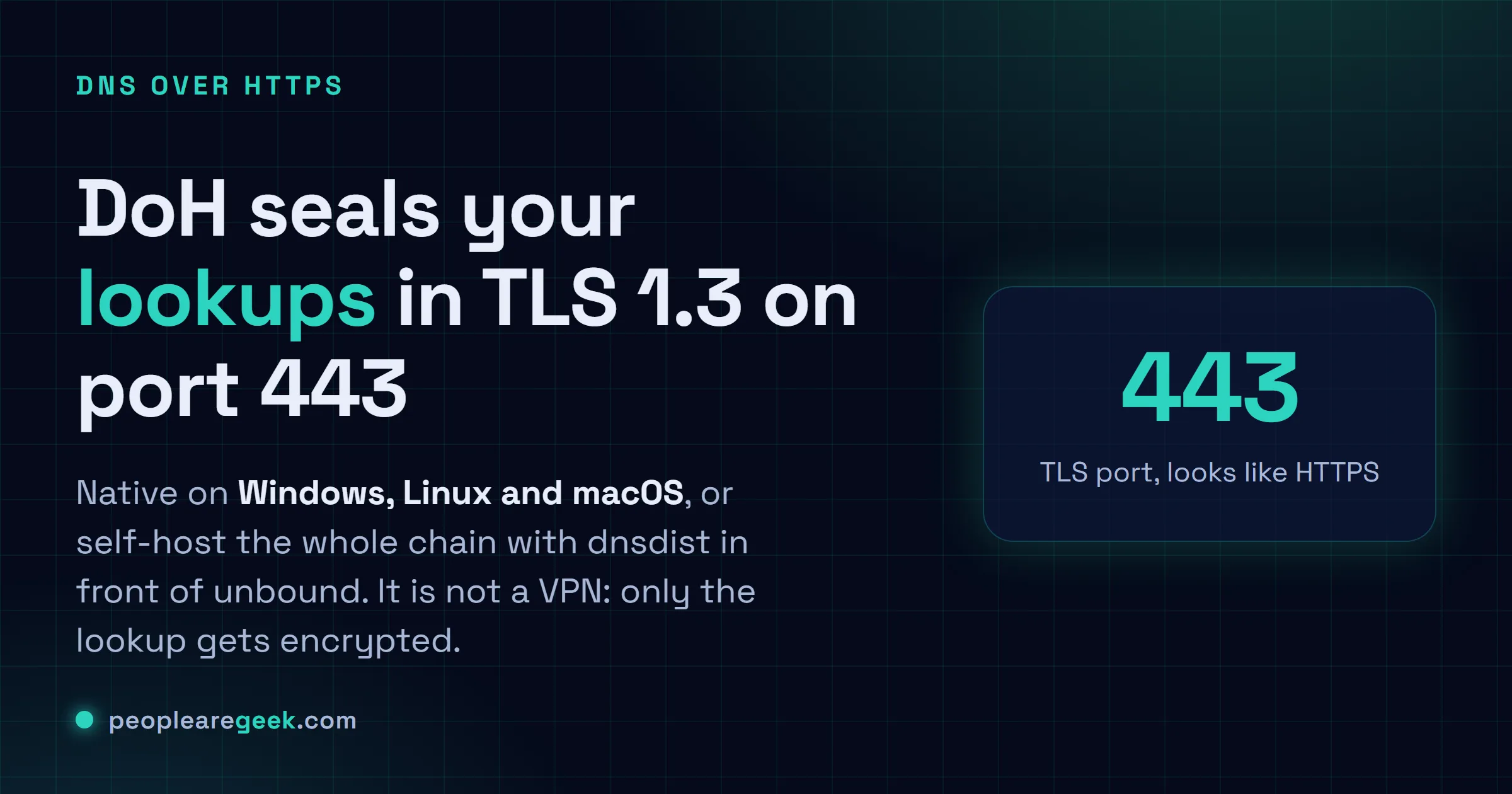
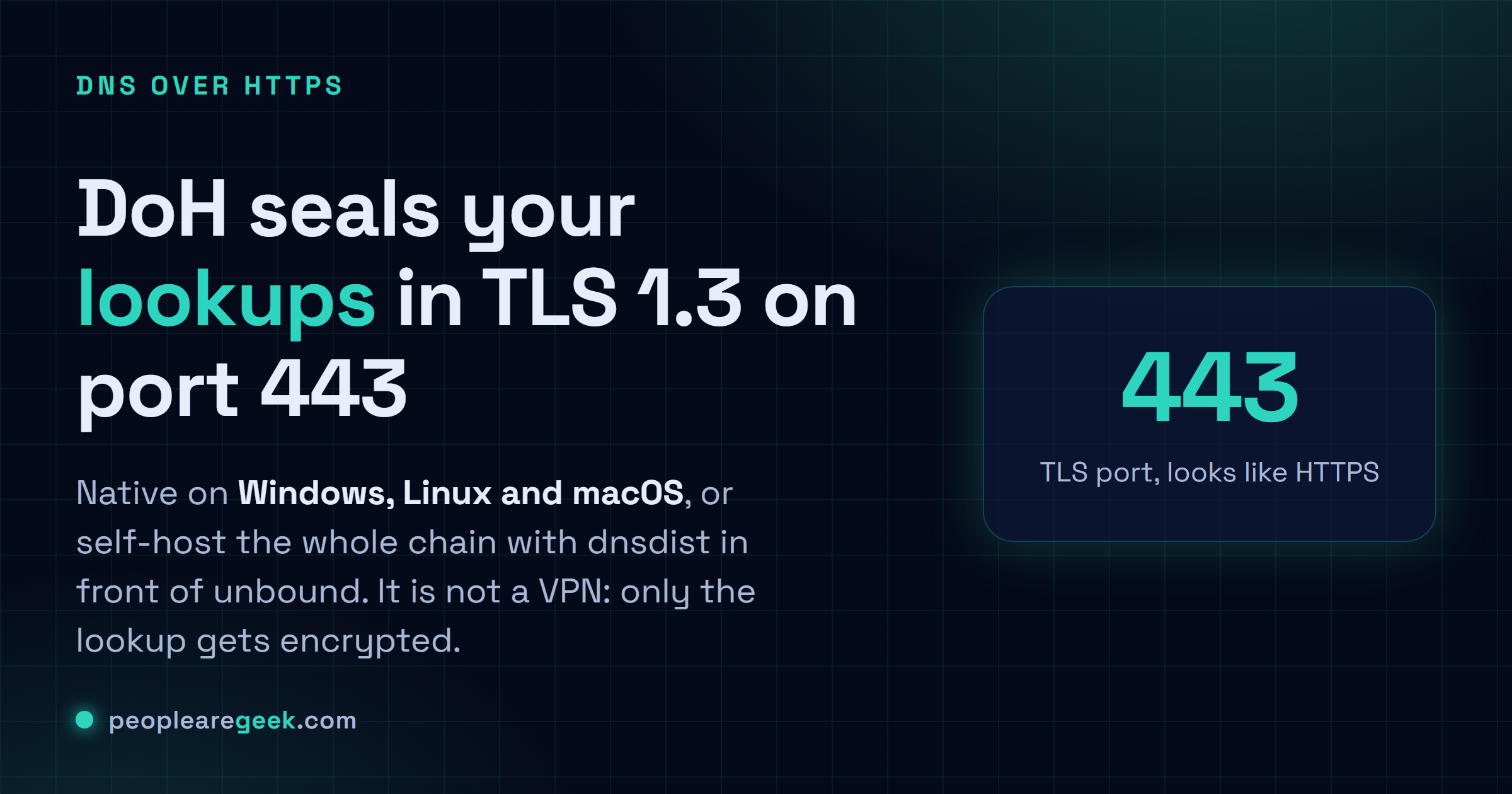
Encrypted DNS might be the cheapest privacy win I can hand a team. It's also, weirdly, the one people botch most. DNS over HTTPS (DoH) wraps your lookups in TLS 1.3 on port 443, so on the wire they look like any other HTTPS chatter. I rolled it out across a fleet once. Then I spent a deeply un-fun afternoon explaining to security why their DNS dashboard had gone completely dark. So let me save you that conversation. This is the whole thing the way I actually run it: what DoH buys you (and what it quietly doesn't), how to flip it on for Windows, Linux and macOS clients, how to stand up your own resolver with unbound and dnsdist, how to enforce it at the edge on pfSense / OPNsense, plus the monitoring and policy tricks that keep it from blinding the tools you already lean on.
What DoH actually protects against
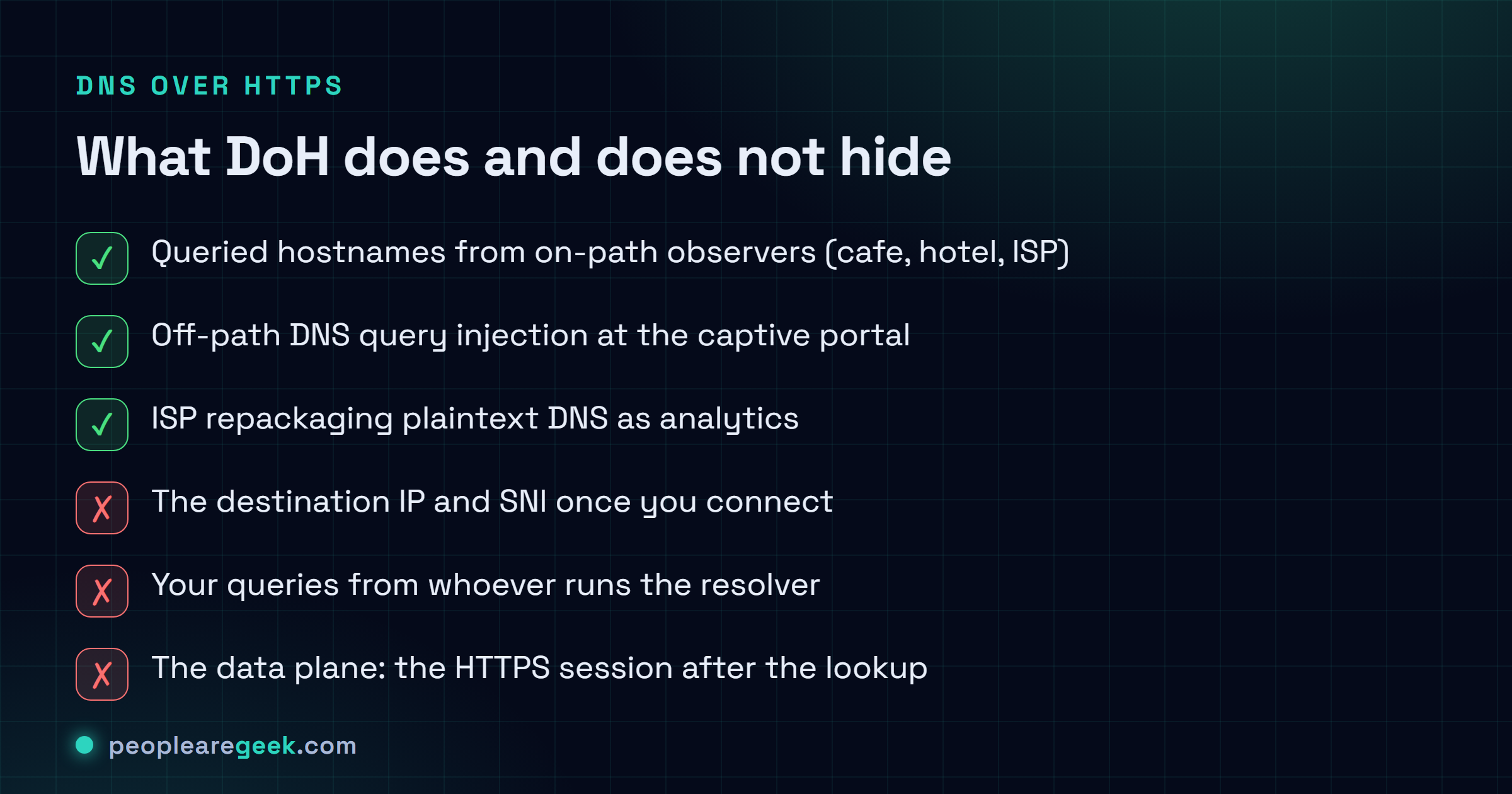
A few leaks genuinely get plugged here, and they're worth being precise about. On-path observation: the cafe Wi-Fi, the hotel network, your nosy ISP. None of them can read which hostnames you're resolving anymore. Off-path query injection: forging a DNS reply at the captive-portal level stops being a cheap party trick, because now the attacker has to break the TLS session to pull it off. Pervasive monitoring: that ISP that used to repackage your plaintext DNS as "analytics" now just watches you shake hands with one Cloudflare IP. That's all it gets.
Now the part everyone skates right past. People swear DoH does a handful of things that it flat-out doesn't. It won't hide where you're going. The TCP SYN and the SNI give away the IP and the host the instant you connect after the lookup. It won't hide your queries from whoever runs the resolver, so Cloudflare and Google and NextDNS still see every single thing you ask. And it doesn't touch the data plane at all. Only the lookup gets sealed. The HTTPS session that follows is its own separate story. I've watched smart people treat DoH like a VPN. It isn't, and honestly that one misread will burn you faster than any config typo.

Picking a DoH provider, or self-hosting
| Provider | Endpoint | Notable trait | Logging policy |
|---|---|---|---|
| Cloudflare | https://cloudflare-dns.com/dns-query | Fastest globally, 1.1.1.1 family | 24-hour scrubbed, audited |
| Quad9 | https://dns.quad9.net/dns-query | Malware filtering by default | No logs (advertised) |
| NextDNS | https://dns.nextdns.io/<id> | Per-profile filtering UI | User-configurable |
| AdGuard | https://dns.adguard-dns.com/dns-query | Ad-block by default | No logs (advertised) |
| Self-hosted | https://dns.example.com/dns-query | You control the entire chain | What you decide |
For anything corporate, I almost always end up at self-hosted DoH sitting in front of an internal recursive resolver. Your queries never leave the building. You still get the on-path protection that made you want DoH in the first place. The public providers are lovely for a roaming laptop. They get a lot harder to defend the moment legal asks, out loud, where exactly the queries are going.
Windows 10/11 endpoints
Windows has shipped native DoH since Windows 10 21H2 and Windows 11 22H2, so on anything current you don't need a third-party client at all. Sure, you can click through the UI (Settings, Network, DNS settings, Encryption Only). I do it from PowerShell, because it scripts cleanly across a whole fleet and I'm not clicking the same checkbox four hundred times.
Set-DnsClientDohServerAddress `
    -ServerAddress 1.1.1.1 `
    -DohTemplate 'https://cloudflare-dns.com/dns-query' `
    -AllowFallbackToUdp $false `
    -AutoUpgrade $true

Set-DnsClientServerAddress -InterfaceAlias 'Ethernet' -ServerAddresses 1.1.1.1, 1.0.0.1
Get-DnsClientDohServerAddress | Format-Table
For a domain, push it with Group Policy: Computer Configuration, Administrative Templates, Network, DNS Client, Configure DNS over HTTPS (DoH) name resolution then pick Allow DoH or Require DoH. Know what Require actually means before you flip it. It kills plaintext fallback entirely, so the second your endpoint goes dark, those clients have no DNS. None. That's exactly the behavior you want on a locked-down build, and exactly the behavior that floods the help desk the moment a laptop wanders onto hotel Wi-Fi.
Linux endpoints (systemd-resolved + stubby)
On modern Linux you've basically got two tidy options. Reach for systemd-resolved if DoT (DNS over TLS) is fine for you. Same threat model, shorter config. If you genuinely need DoH on the wire, stubby or dnsdist gets you there. And honestly? On a server, DoT is plenty almost every time. I only reach for DoH when I'm fighting a network that's actively blocking port 853, which does happen, just not often.
# DoT via systemd-resolved (Ubuntu 24.04+, Fedora 39+, Debian 12+)
sudo tee /etc/systemd/resolved.conf.d/doh.conf <<'EOF'
[Resolve]
DNS=1.1.1.1#cloudflare-dns.com 1.0.0.1#cloudflare-dns.com
DNSOverTLS=yes
DNSSEC=yes
Cache=yes
EOF
sudo systemctl restart systemd-resolved
resolvectl status   # confirm "+DNSOverTLS=yes"
When you actually do want real DoH, stubby pointed at a DoH-capable upstream is the lightest thing I've found that just works without fuss:
sudo apt install -y stubby
sudo sed -i 's/listen_addresses:.*/listen_addresses: [ 127.0.0.1@5353 ]/' /etc/stubby/stubby.yml
# Point /etc/resolv.conf or NetworkManager at 127.0.0.1:5353
macOS endpoints (configuration profile)
macOS Ventura and up wants a signed configuration profile (.mobileconfig) for this. There's no tidy toggle buried in the GUI, sadly. Across a fleet you'll push it from MDM, whatever flavor you're already paying for (Jamf, Mosyle, Kandji, take your pick). For one laptop sitting on your desk, you can just drop the profile in by hand:
<dict>
  <key>DNSSettings</key>
  <dict>
    <key>DNSProtocol</key><string>HTTPS</string>
    <key>ServerURL</key><string>https://cloudflare-dns.com/dns-query</string>
  </dict>
  <key>PayloadType</key><string>com.apple.dnsSettings.managed</string>
</dict>
Load it from System Settings, Privacy and Security, Profiles then check your work with scutil --dns. You're hunting for protocol: HTTPS next to each resolver entry. Not there? Then the profile didn't take, and macOS will cheerfully say nothing about it.
DoH on your own resolver (unbound + dnsdist)
The layout I keep coming back to: dnsdist out front handling the DoH, unbound doing the actual recursion right behind it, both on the same box. You don't need much iron for this. A Hetzner CAX21 or a little N100 mini-PC will chew through thousands of QPS without breaking a sweat. I've run exactly this for a small office on hardware that cost less than one month of some SaaS bill, and it just sat there working.
-- /etc/dnsdist/dnsdist.conf
addDOHLocal('0.0.0.0:443', '/etc/letsencrypt/live/dns.example.com/fullchain.pem',
                          '/etc/letsencrypt/live/dns.example.com/privkey.pem',
            { '/dns-query' }, { reusePort=true, idleTimeout=30 })
newServer({ address='127.0.0.1:5353', name='unbound', useClientSubnet=false })
# /etc/unbound/unbound.conf.d/local.conf
server:
interface: 127.0.0.1@5353
access-control: 127.0.0.1/32 allow
cache-min-ttl: 60
cache-max-ttl: 86400
prefetch: yes
qname-minimisation: yes
hide-identity: yes
hide-version: yesAim your clients at https://dns.example.com/dns-query and that's it. Every hop in the resolution chain belongs to you now. No third party sees the queries, and you decide what (if anything) ever gets logged. Which is, when it comes down to it, the only reason I bother running my own.
Edge enforcement on pfSense / OPNsense
You can head in two opposite directions here, and both are perfectly defensible. The whole thing hinges on one question: are you trying to control DNS, or just encrypt it?
- Allow only your DoH endpoint. Block TCP 443 to the well-known public DoH IPs from the user LAN, so everyone gets funneled onto your in-house DoH and nobody else's. Both pfSense's pfBlockerNG and OPNsense's IDS rules already ship curated lists of public DoH endpoints, so you're not hand-maintaining a giant IP list. Fair warning, though. Those lists go stale, and a determined user will eventually find an endpoint you missed.
- Allow any DoH, block plaintext DNS. Drop outbound UDP/53 from everything except the resolver itself. Now even when an OS update quietly reverts to cleartext DNS (it happens), those packets smack into a wall and the client gets shoved back onto encrypted resolution whether it meant to or not.
Monitoring and the legitimate-bypass case
This is the gotcha nobody warns you about, and the one that got me good. The moment you turn on DoH, your pcap-based DNS visibility goes dark. All those Zeek logs and tcpdump filters keyed on UDP/53? Empty. Stone empty. So before you flip the switch fleet-wide, work out how you're clawing that visibility back, because you will want it the first time you're chasing a beacon at 2am. Two ways out, depending on what you're after.
- If you're after detection, terminate DoH on a resolver you control and ship the decoded plaintext queries straight into your SIEM. Wazuh and the SOC homelab stack can hang DNSDB enrichment off the indexed events, so you don't lose the threat-hunting angle just because the wire went quiet.
- If you're after policy (blocking social media or gambling or malware C2 by hostname), do it on the resolver, never on the wire. Trying to sinkhole every DoH endpoint on the planet is a Sisyphean slog you will lose. I've watched smart people burn entire weeks on it before quietly giving up.
Pitfalls and rollback
- Captive portals break under "Require DoH". Hotel and airport Wi-Fi work by hijacking your DNS to bounce you to that login page, and Require DoH flatly refuses to play along, so the laptop just sits there: no internet, no error, no obvious reason why. Use Allow instead of Require on anything mobile, or keep a captive-portal exception list. I learned this one in an airport lounge with a flight boarding, which is precisely when you don't want to be debugging DNS.
- Split-horizon DNS will absolutely bite you. Your internal
company.localrecords live only on your internal resolver, and a public DoH endpoint has never once heard of them. Let DoH grab those queries and your internal lookups just vanish into nothing. Set DoH up as a fallback for external names only, and make sure internal queries hit the internal resolver first. This, by a wide margin, is the most common way I watch DoH rollouts blow up. - Watch the cert, or it takes the whole building down. Let your DoH endpoint quietly expire its Let's Encrypt cert and every client loses DNS at the very same moment. That's a genuinely miserable outage to walk into cold, coffee not even finished. Slap a 7-day expiry alert on it and let cron handle the renewal. Don't trust yourself to remember. Nobody remembers.
- QUIC and DoH3 are coming, just unevenly. DoH3 (over QUIC / UDP 443) is faster and a good deal harder to block. But Windows support is still patchy enough that I wouldn't bet a fleet on it yet, and I might be wrong by the time you read this. Make DoH2 over TCP/443 your baseline. Treat DoH3 as a nice bonus for the clients that handle it cleanly.
Sources and further reading
Frequently asked questions
DoH vs DoT, which should I deploy?
Depends who you're protecting. DoT (port 853) is easier to run on Linux and easier to peek at with a transparent proxy, so inside your own network where you actually want visibility, it's the friendlier pick. DoH (port 443) vanishes into ordinary HTTPS traffic and is a genuine pain for a hostile network to block, which makes it the one I hand to roaming users on Wi-Fi I don't trust an inch. I run both. Just for different people.
Will DoH break my malware filtering?
Only if your filtering happens on the wire. Self-host your DoH, or point clients at Quad9 / NextDNS / AdGuard with their filtered categories switched on, and you keep every bit of protection you had, plus encryption stacked on top. Where it falls apart is the setup I still see basically everywhere: a Sophos UTM that reads DNS over UDP 53 and blocks by hostname. The second those clients go DoH, that box is reading absolutely nothing. Move the filtering to the resolver and you're fine.
How do I monitor DoH from a SIEM if traffic is encrypted?
You catch it at the one spot where it's briefly readable. Terminate DoH on a resolver you own (the unbound + dnsdist setup from earlier), log the queries right there, then ship those logs to your SIEM. The plaintext only lives for the millisecond between dnsdist unwrapping the HTTPS payload and unbound answering it. So that handoff, that tiny window, is exactly where you grab it. Try to sniff it anywhere else on the network and there's nothing there to see.
Can mobile devices use DoH?
They can, and it's been baked in for ages now. iOS 14+ and Android 9+ both do DoH at the OS level through configuration profiles. With MDM (Intune, Jamf, Mosyle) you push that profile across the whole fleet in one shot instead of touching phones one sad device at a time. And if you're building enterprise apps, iOS even lets you do per-app DoH via the NEAppProxyProvider API, though that's a deeper rabbit hole than most teams will ever need.
What about Encrypted Client Hello (ECH)?
ECH plugs the last DNS-adjacent leak worth caring about: the SNI field that still spilled the hostname during the TLS handshake. As of 2026, Chrome 117+, Firefox 118+ and Cloudflare's DoH endpoints all do it. Here's the catch, though. The site you're visiting has to opt in too, so in practice the coverage is patchy. I treat it as a bonus, not a prerequisite. DoH plus ECH is the strongest setup you can run today. Don't sit on your hands waiting for ECH everywhere, though. Plain DoH is already a massive step up from cleartext.