iptables vs nftables comes up the moment you SSH into a box, need to open one port or check what is already allowed, and the muscle memory in your fingers types iptables. Then half the internet tells you iptables is dead and you should be using nftables. So which is it? Both, honestly. Here is the side by side, the exact commands for each, and the one fact that takes the panic out of the whole thing: on a modern distro your iptables command is very likely talking to nftables already, just through a compatibility shim. So let us lay the two next to each other and stop the hand-wringing.
The short answer
The same firewall jobs in both dialects: list with iptables -L -n -v or nft list ruleset, allow SSH with iptables -A INPUT -p tcp --dport 22 -j ACCEPT or nft add rule inet filter input tcp dport 22 accept, default-deny with iptables -P INPUT DROP
or policy drop, persist to rules.v4 or a flat nftables.conf, and convert old rules
with iptables-translate instead of retyping them.
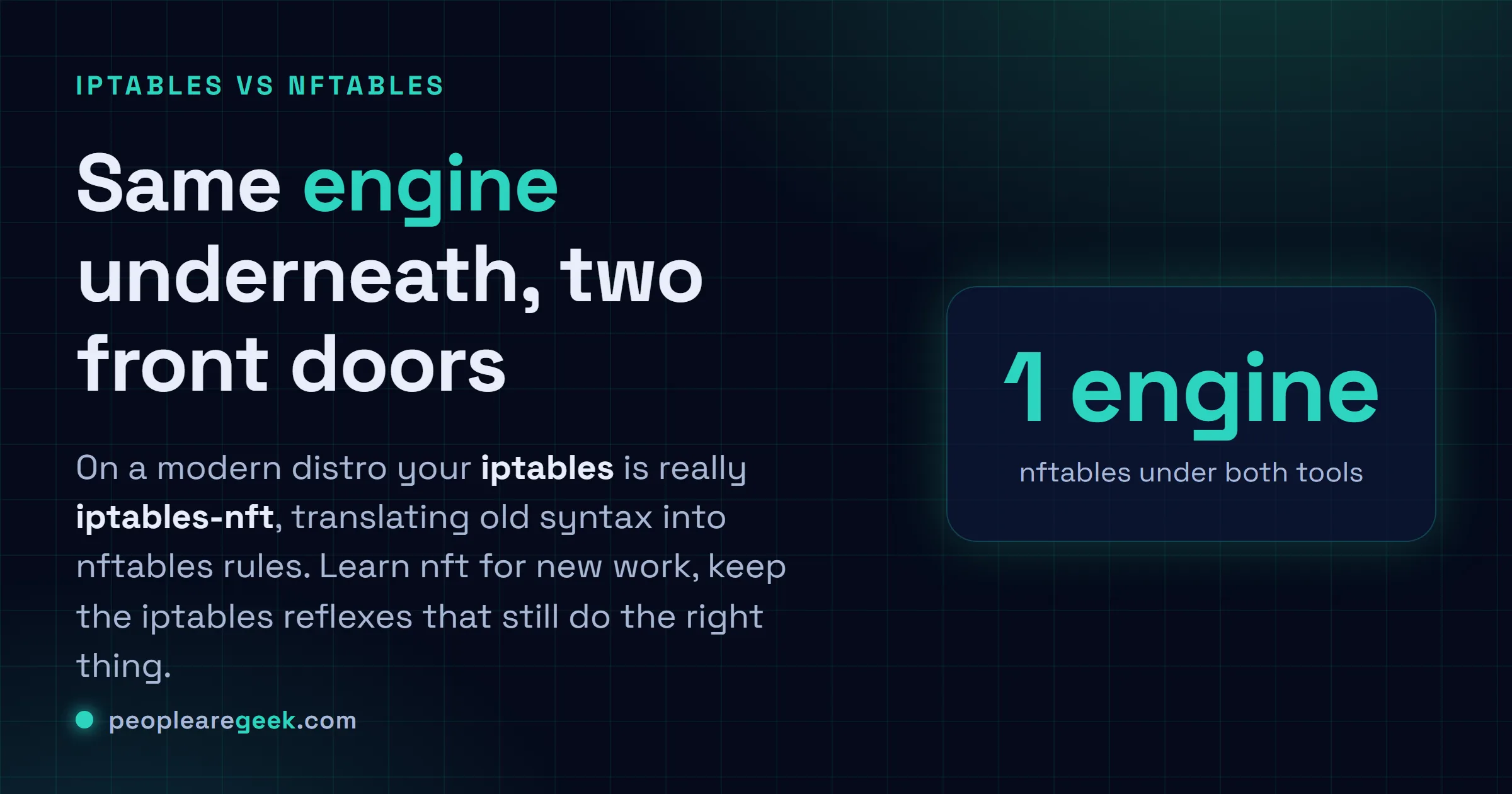
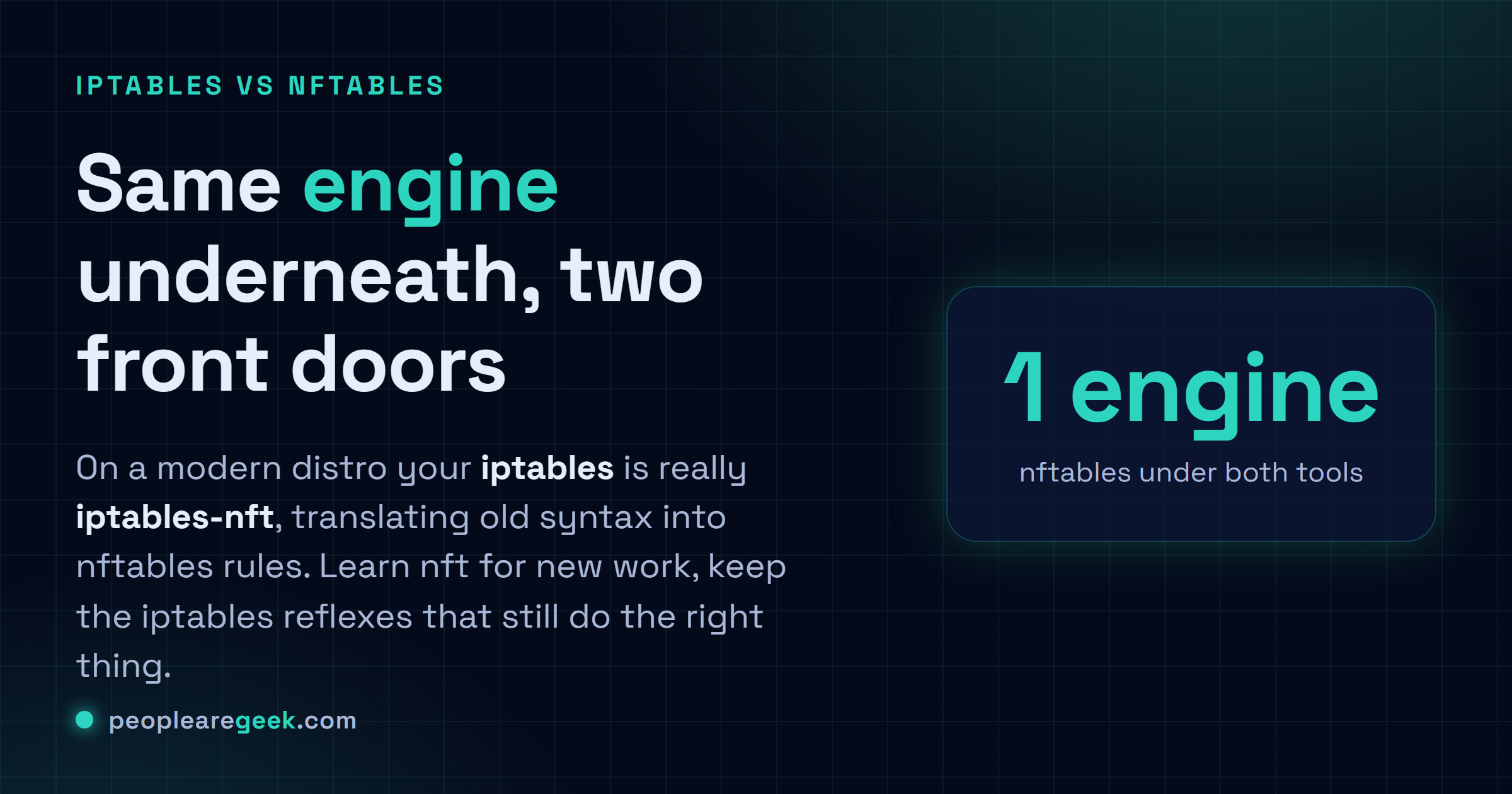
You SSH into a box, you need to open one port or check what's already allowed, and the muscle memory in your fingers types iptables. Then half the internet tells you iptables is dead and you should be using nftables. So which is it? Both, honestly. Here's the side by side, the exact commands for each, and the one fact that takes the panic out of the whole thing: on a modern distro your iptables command is very likely talking to nftables already, just through a compatibility shim. So let's lay the two next to each other and stop the hand-wringing.
Quick orientation. nftables is the newer framework that replaced the old iptables backend in the Linux kernel. The nft command is its native interface. iptables is the classic tool everyone learned firewalls on, and on most current systems the iptables binary is really iptables-nft, which translates your old syntax into nftables rules behind the scenes. Same engine underneath, two front doors.
The whole thing on one screen: task, iptables, nftables
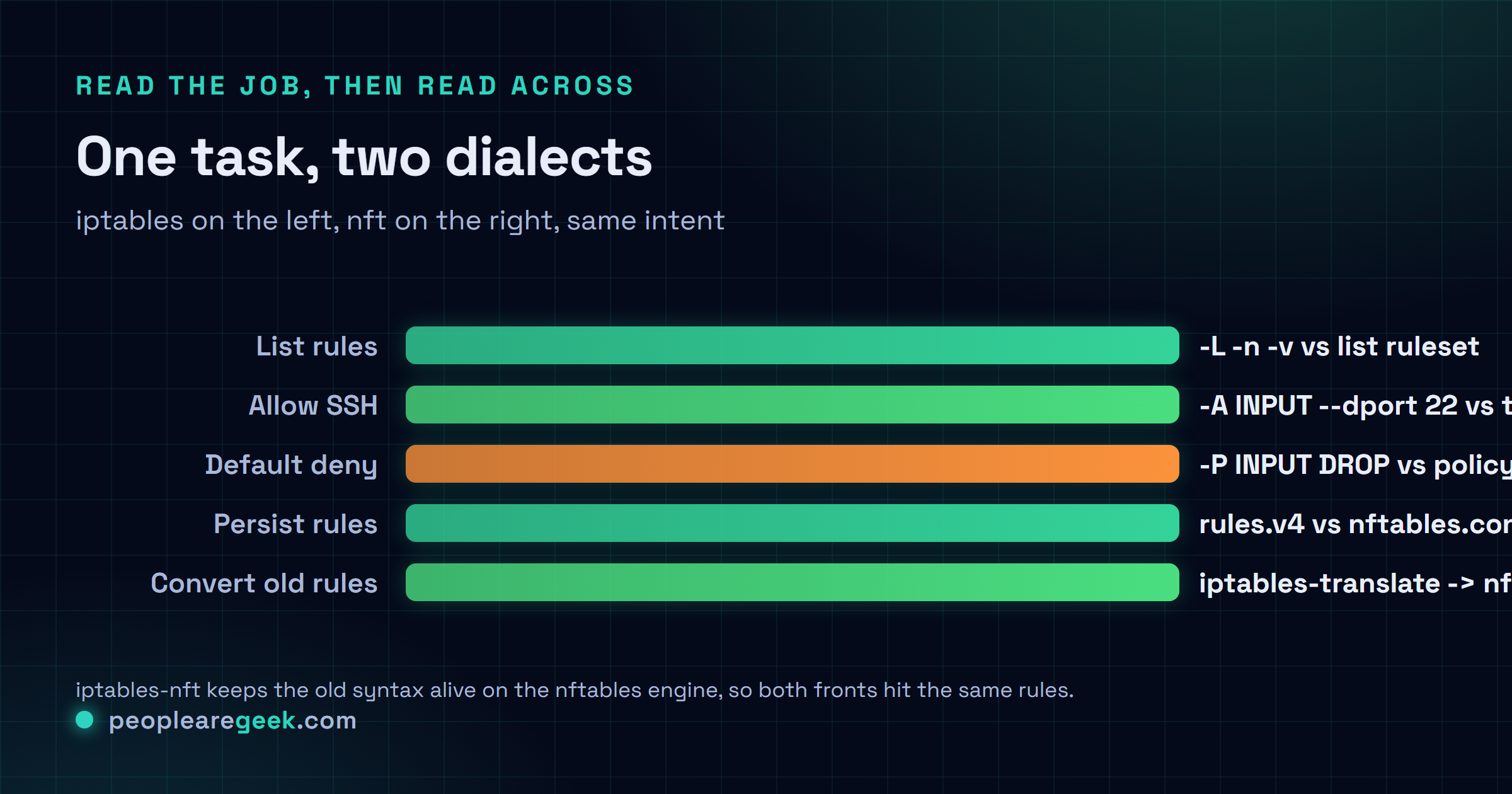
This is the table you actually came for. Pick the job in the left column, read across to whichever tool you're stuck with on that machine. Nearly everything routine lives here. Notice how the nft version names the table and chain explicitly where iptables relied on built-in ones like INPUT. That's the biggest mental shift, and once it clicks the rest is mostly vocabulary.
| Task | iptables (legacy) | nftables (nft) |
|---|---|---|
| List the rules | iptables -L -n -v | nft list ruleset |
| Allow inbound SSH | iptables -A INPUT -p tcp --dport 22 -j ACCEPT | nft add rule inet filter input tcp dport 22 accept |
| Default to deny | iptables -P INPUT DROP | set policy drop on the chain |
| Delete a rule | iptables -D INPUT -p tcp --dport 22 -j ACCEPT | nft delete rule inet filter input handle N |
| Save what's loaded | iptables-save > /etc/iptables/rules.v4 | nft list ruleset > /etc/nftables.conf |
| Reload from a file | iptables-restore < /etc/iptables/rules.v4 | nft -f /etc/nftables.conf |
One catch on deleting. With iptables you can delete a rule by retyping it verbatim, which is forgiving. nft makes you delete by handle, the little ID number it assigns each rule. Run nft -a list ruleset to see those handles printed at the end of every line, then delete the one you mean. More typing, fewer accidents.

The iptables side, the commands you reach for
If iptables is what's on the box, these five cover the bulk of a normal day. Read the rules, add one, lock the door, remove a mistake, then write it all to disk so a reboot doesn't wipe your work. That last step bites people constantly, because iptables rules live in memory and vanish on restart unless you save them.
| Command | What it does |
|---|---|
iptables -L -n -v | List every rule with packet counts, -n skips slow name lookups |
iptables -A INPUT -p tcp --dport 22 -j ACCEPT | Append a rule that lets inbound SSH through |
iptables -P INPUT DROP | Set the default policy to drop, so anything not allowed is refused |
iptables -D INPUT -p tcp --dport 22 -j ACCEPT | Delete that SSH rule by typing it back exactly |
iptables-save > /etc/iptables/rules.v4 | Persist the live ruleset to the file your system reloads at boot |
Order matters more than newcomers expect. iptables walks a chain top to bottom and stops at the first rule that matches, so if you set -P INPUT DROP and only then think about your SSH allow, congratulations, you may have just locked yourself out of a remote machine. Allow the things you need first. Set the drop policy last. I've learned that one the hard way, on a server three time zones away, at an hour I'd rather not name.
To bring the rules back after a reboot, iptables-restore < /etc/iptables/rules.v4 reads that file straight back in. On most distros a small service (netfilter-persistent or similar) does the restore for you at boot, so you rarely run it by hand. You just need to have saved.
The nftables side, the native nft commands
nft does more with one tool. There's no separate save binary, no separate restore binary. You build a ruleset, you dump it to a file, you load that file. The structure is more deliberate too: you create a table, add a chain with a hook into the network stack, then add rules to the chain. Verbose at first. Cleaner once it's habit.
| Command | What it does |
|---|---|
nft list ruleset | Show the entire active ruleset, every table and chain |
nft add table inet filter | Create a table named filter in the inet family (IPv4 and IPv6 together) |
nft add chain inet filter input '{ type filter hook input priority 0; policy drop; }' | Add an input chain hooked into the stack, defaulting to drop |
nft add rule inet filter input tcp dport 22 accept | Allow SSH by adding a rule to that input chain |
nft -f /etc/nftables.conf | Load a whole ruleset from a file in one atomic shot |
That inet family is the quiet upgrade people sleep on. With iptables, IPv4 and IPv6 were genuinely separate tools, iptables and ip6tables, two sets of rules to keep in sync. The inet family in nft covers both at once. Write the rule one time, it applies to v4 and v6. If you've ever forgotten to mirror a rule into ip6tables and left a quiet hole open, you'll appreciate that more than it sounds.
And nft -f loading is atomic, which is genuinely nice. The kernel applies the new ruleset as a single transaction, so you never sit in a half-applied state where some rules are in and some aren't. iptables-restore can do atomic loads too, to be fair, but with nft it's just how the thing works.
You don't have to rewrite rules by hand
Here's the bridge that makes migrating painless. iptables-translate takes an iptables command and prints the nftables equivalent, without touching your live config. It's a teacher. Feed it the rules you already trust and read back the nft version.
| Command | What it does |
|---|---|
iptables-translate -A INPUT -p tcp --dport 22 -j ACCEPT | Convert one rule and print the nft line, changing nothing |
| `iptables-save | iptables-restore-translate` |
The first time I ran iptables-translate on a config I'd been babysitting for years, it spat out clean nft rules in about a second and I felt slightly silly for ever planning to retype them. It isn't flawless on exotic stuff with obscure modules, so eyeball the output. For the bread and butter, it's spot on.
My take: learn nft for anything new, but iptables syntax isn't dead. If you're starting fresh in 2026, write nftables. It's the default on current Debian, Ubuntu, RHEL and Fedora, the inet family kills the v4/v6 double-bookkeeping, atomic loads are real, and it's where the kernel work goes now. That's the easy part of the call. The part people get wrong is declaring iptables syntax obsolete. It isn't, because iptables-nft keeps that exact syntax alive on top of the nftables engine, so the command you've typed a thousand times still works and still does the right thing on a modern box. Both can coexist in one breath: new rules in nft, old reflexes still valid. Where I'll hedge: if your distro is genuinely old, or some appliance, you might still hit the original legacy backend (iptables-legacy) rather than the shim, and then the two really can step on each other. Check with iptables --version, look for "nf_tables" in the output, and you'll know which world you're in before you assume.
Where to go from here
That's the working set. List, allow, default-deny, delete, persist, on both tools, plus iptables-translate to carry old rules into the new syntax without retyping them. Genuinely, that covers nearly everything I touch on a firewall in a normal week, and the rare oddity I look up like anyone else.
If you're already elbow-deep in the shell, the same copy-don't-memorize instinct pays off next door. Poking at interfaces, routes and sockets to see what's even listening is its own grouped set of ip and ss commands. When you want a rule assembled for you instead of hand-typed, a firewall rule helper builds the line from a couple of clicks. And before you open or close anything, a port checker and a common ports list tell you what's actually reachable and which port number you even need.
Sources and further reading
- man iptables: the iptables(8) manual page
- man nft: the nft(8) manual page
- The nftables wiki: official documentation and migration notes
Frequently asked questions
Is iptables deprecated in favor of nftables?
Sort of, but not the way people say. The old iptables backend in the kernel was replaced by nftables, and nft is the modern native tool. But the iptables command lives on as iptables-nft, a compatibility layer that translates the familiar syntax into nftables rules underneath. So on a current distro your iptables commands still work and still do the right thing. Learn nft for new work, but the old syntax is far from useless.
How do I list all firewall rules in iptables and nftables?
With iptables, run iptables -L -n -v. The -n skips DNS lookups so it returns fast, and -v adds packet and byte counts. With nftables, run nft list ruleset to dump every table and chain at once. Add nft -a list ruleset to also see the handle numbers, which you need when you want to delete a specific rule by its ID.
How do I convert iptables rules to nftables?
Use iptables-translate. Pass it a single rule like iptables-translate -A INPUT -p tcp --dport 22 -j ACCEPT and it prints the nft equivalent without changing anything live. To convert an entire ruleset in one go, pipe iptables-save into iptables-restore-translate. Read the output before trusting it on anything unusual, since rare modules do not always translate cleanly, but for everyday rules it is accurate.
How do I make firewall rules persist after a reboot?
iptables rules live in memory and disappear on restart unless you save them. Run iptables-save > /etc/iptables/rules.v4, and most distros reload that file at boot through a small service, or you can restore it manually with iptables-restore. For nftables, write your rules into /etc/nftables.conf and load them with nft -f /etc/nftables.conf, which the nftables service runs for you at startup on modern systems.
What's the difference between iptables-nft and iptables-legacy?
Both accept the same iptables syntax, but they store rules in different places. iptables-nft writes through the nftables engine, so its rules show up in nft list ruleset and play nicely with native nft rules. iptables-legacy uses the original backend, separate from nftables. Running both on one machine can cause confusing conflicts. Check iptables --version and look for nf_tables in the output to see which one you are using.