Linux kernel hardening with sysctl is the cheapest security-per-minute the platform has going, so it is where I start every single time. Most sysctl values ship sane. Most. But a handful sit at distribution defaults that quietly hand an attacker a foothold, or an info leak they have got no business getting, and I have watched boxes run for years with nobody ever touching them. So here is the list I actually use. 32 toggles that CIS Distribution Independent Linux, ANSSI BP-028, lynis Heavy mode and the Bastille rewrites all keep landing on in 2026. Grouped by subsystem, sorted by how much each one matters, so you can glance at it and tell what ships today versus what waits for the next maintenance window.
The short answer
Drop all 32 toggles into one /etc/sysctl.d/99-hardening.conf, reload with
sysctl --system, and you have flipped the runtime kernel parameters that
matter: full ASLR, restricted ptrace, no source-routed packets, no leaked
kernel pointers, the BPF JIT-spray countermeasures and the link and FIFO
traversal guards. Grouped by subsystem, sorted by criticality, with a one-liner
that catches any value that drifts.
Most sysctl values ship sane. Most. But a handful sit at distribution defaults that quietly hand an attacker a foothold, or an info leak they've got no business getting, and I've watched boxes run for years with nobody ever touching them. So. Here's the list I actually use. 32 toggles that CIS Distribution Independent Linux, ANSSI BP-028, lynis Heavy mode and the Bastille rewrites all keep landing on in 2026. Grouped by subsystem, sorted by how much each one matters, so you can glance at it and tell what ships today versus what waits for the next maintenance window.
Why sysctl is the cheapest hardening you can ship
I've lost whole weeks to SELinux and AppArmor, just getting them to stop blocking something legitimate in prod. auditd and Falco, same story. Real protection, real time sink. sysctl is the opposite. Ten minutes. The 32 toggles here flip runtime kernel parameters the kernel checks on the relevant syscalls: how strong ASLR is, who's allowed to ptrace what, whether you swallow source-routed packets, whether kernel pointers leak, the BPF JIT-spray countermeasures, the FIFO and hardlink traversal guards. None need a reboot. None change anything a sane workload will ever notice. If you want the best security-per-minute Linux has going, honestly, this is where I start every single time.
How to apply the checklist (persistent + audit)
Whole thing goes in one file under /etc/sysctl.d/ so the kernel reapplies it on every boot. Then I reload it live. No restart. That same file is what my CI baseline diffs against, so it lives in git. If it isn't in version control, it isn't real.
sudo install -m 0644 /dev/null /etc/sysctl.d/99-hardening.conf
sudo tee /etc/sysctl.d/99-hardening.conf > /dev/null <<'EOF'
# === Network ===
net.ipv4.ip_forward = 0
net.ipv4.conf.all.rp_filter = 1
net.ipv4.conf.default.rp_filter = 1
net.ipv4.conf.all.accept_redirects = 0
net.ipv4.conf.all.send_redirects = 0
net.ipv4.conf.all.accept_source_route = 0
net.ipv4.conf.all.log_martians = 1
net.ipv4.tcp_syncookies = 1
net.ipv4.icmp_echo_ignore_broadcasts = 1
net.ipv6.conf.all.accept_ra = 0

# === Kernel ===
kernel.randomize_va_space = 2
kernel.kptr_restrict = 2
kernel.dmesg_restrict = 1
kernel.unprivileged_bpf_disabled = 1
kernel.kexec_load_disabled = 1
kernel.yama.ptrace_scope = 2
kernel.sysrq = 0
kernel.perf_event_paranoid = 3

# === Filesystem ===
fs.protected_symlinks = 1
fs.protected_hardlinks = 1
fs.protected_fifos = 2
fs.protected_regular = 2
fs.suid_dumpable = 0
kernel.core_pattern = |/bin/false

# === User namespaces, BPF hardening ===
kernel.unprivileged_userns_clone = 0
user.max_user_namespaces = 0
vm.unprivileged_userfaultfd = 0
net.core.bpf_jit_harden = 2
EOF
sudo sysctl --system
--system rescans every .conf under /etc/sysctl.d/, /run/sysctl.d/ and /usr/lib/sysctl.d/, always in the same order. Run it once after each change. No reboot. And don't just assume it took. Read the value back with sysctl -n <key> and check it against the file. A typo in one key name will sit there doing absolutely nothing and never say a word about it. Ask me how I know.
Network, 9 keys
This is the group attackers poke at first. So it's the group I get right first.
net.ipv4.ip_forward = 0, kill IP routing on anything that isn't a router. Most distros ship it at 0 already. Here's the trap though: Docker, kubeadm, libvirt and OpenVPN will all flip it back to 1 behind your back. Re-check it after every container or VPN install, because it sure won't tell you it moved.net.ipv4.conf.all.rp_filter = 1, strict reverse-path filtering. Drops spoofed source addresses that have no business arriving on the interface they turned up on. Multi-homed host? Then this one isn't optional.net.ipv4.conf.all.accept_redirects = 0andsend_redirects = 0, no to ICMP redirects. Anyone sitting on the LAN can use them to rewrite your routing table. You really don't want that.net.ipv4.conf.all.accept_source_route = 0, drop packets carrying loose or strict source-routing options. I've never once seen a legitimate use for these on an Internet-facing box. Not once. Kill them.net.ipv4.conf.all.log_martians = 1, log packets with impossible addresses. Basically free, and it quietly catches broken routers and sloppy attackers alike.net.ipv4.tcp_syncookies = 1, your SYN-flood mitigation. Modern kernels turn it on already. I set it anyway, so the file says out loud what I mean.net.ipv4.icmp_echo_ignore_broadcasts = 1, shuts the door on the old smurf-attack amplifier. Ancient threat, sure. But why leave it open.net.ipv6.conf.all.accept_ra = 0, stop swallowing IPv6 Router Advertisements on hosts that don't do autoconf. On a server sitting behind a fabric you control, this is a must.
Kernel, 8 keys
This is the bucket for ASLR, leaking kernel pointers, plus a few legacy interfaces that should've been retired years ago and somehow weren't.
kernel.randomize_va_space = 2, full ASLR, data segment and all. If you care about exploit mitigation even a little, this is the floor.kernel.kptr_restrict = 2, hides kernel symbol addresses in/proc/kallsymsfrom anyone who isn't root. Easiest kernel-pointer leak going. This closes it.kernel.dmesg_restrict = 1, locksdmesgdown toCAP_SYS_ADMIN. Boot messages spill addresses and module versions constantly, and without this an attacker reads all of it for free.kernel.unprivileged_bpf_disabled = 1, stops non-root users loading BPF programs. That one flag takes a whole family of side-channel and JIT-spray attacks off the table.kernel.kexec_load_disabled = 1, flip this to 1 and kexec is gone for good. An attacker who's already root can't quietly boot their own kernel without a real reboot you'd actually notice.kernel.yama.ptrace_scope = 2, now only root gets toptracea running process. No more lifting credentials straight out of some other process's memory.kernel.sysrq = 0, kills the Magic SysRq combos outright. No console keyboard on your servers anyway. You lose nothing.kernel.perf_event_paranoid = 3, deniesperf_event_opento unprivileged users and shuts a known Spectre-class side channel. You'll only feel it if you profile in prod. Which, come on, you shouldn't.
Filesystem, 7 keys
Here it's link and FIFO races, plus crash dumps that quietly hand over memory you never meant to share.
fs.protected_symlinks = 1andfs.protected_hardlinks = 1, these shut down the textbook/tmprace. You know the one: an attacker points/tmp/fooat/etc/passwda split second before a root process writes to it. Old trick. Still works on unhardened boxes, which is the depressing part.fs.protected_fifos = 2andfs.protected_regular = 2, same idea, stretched to cover FIFO pipes and regular files sitting in sticky directories too.fs.suid_dumpable = 0, SUID binaries stop dropping core files. Good. Those cores carry privileged memory you really, really don't want sitting on disk.kernel.core_pattern = |/bin/false, pipes every core to/bin/falseinstead of writing it anywhere. Pair that withsuid_dumpable=0and there's no crash dump left to exfiltrate at all. Just remember you did it. Only point it back at a real handler while you're genuinely chasing a bug.
Process, BPF and modules, 8 keys
Last group. This one shuts the door on user namespaces, and on loading kernel modules after the fact.
kernel.modules_disabled = 1, set this after boot, once every module you need is already loaded. From then on nothing else gets inserted. Not even root. It's brutal for anyone trying to persist a kernel rootkit, which is the whole point.kernel.unprivileged_userns_clone = 0anduser.max_user_namespaces = 0, these yank user namespaces away from non-root. Anything depending on them (rootless Docker, Podman) breaks loudly and instantly. So on a host that exists to run those, leave these two off.vm.unprivileged_userfaultfd = 0, cuts off the syscall path a good chunk of use-after-free exploits lean on. Cheap win, honestly.net.core.bpf_jit_harden = 2, randomises the constants in the BPF JIT so JIT-spraying has nothing predictable left to aim at.- And while you're in there, add
vsyscall=noneandslab_nomergetoGRUB_CMDLINE_LINUX. Not sysctls, no. But they're the same hardening pass in my head, so they ride along in the same change.
Heads up: kernel.modules_disabled = 1 only goes one way. Once it's on, the host won't load another module until you reboot, so if something you need wasn't already loaded, well, you're rebooting to fix it. Check your VPN and encrypted-filesystem and graphics modules all show up in lsmod first, then commit. I learned this the hard way, and I'd rather you didn't.
Verify, baseline and re-audit
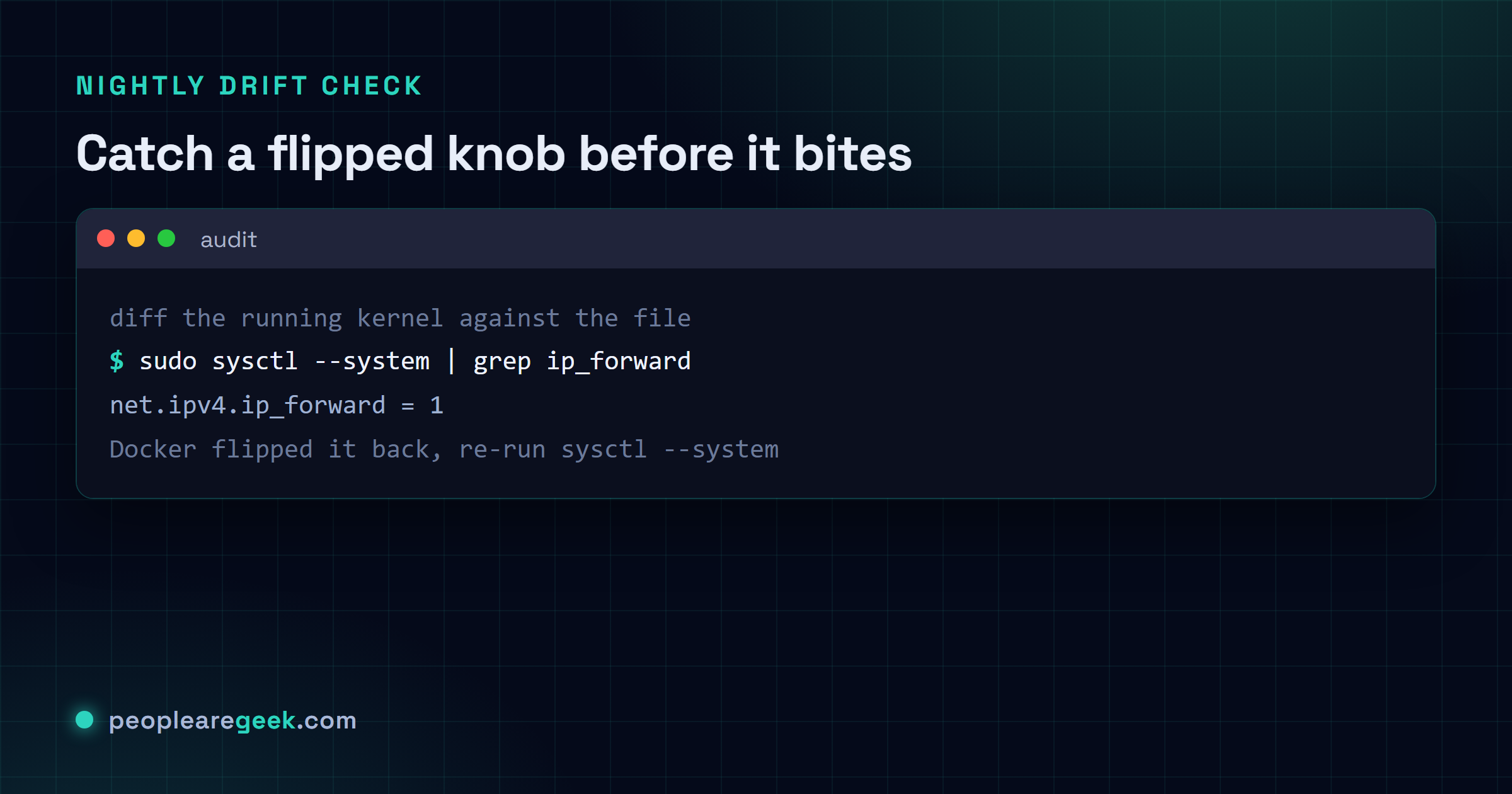
Here's why I trust a file over my own memory. I can diff the running kernel against it. The one-liner below catches anything that's drifted: a package that misbehaved on install, or a colleague's quick sysctl -w that nobody bothered to write down.
awk -F '=' '/^[^#]/ { gsub(/ /, "", $1); k=$1; gsub(/ /, "", $2); v=$2;
  cmd="sysctl -n " k " 2>/dev/null"; cmd | getline live; close(cmd);
  if (live != v) printf "DRIFT  %-40s  file=%s  live=%s\n", k, v, live
}' /etc/sysctl.d/99-hardening.conf
Drop that in nightly cron and you'll hear about drift inside 24 hours instead of discovering it mid-incident, doesn't matter whether it was a kernel update or some container runtime quietly resetting one of your knobs. Want a wider net than just sysctls? Run lynis audit system --pentest against the host. Its kernel hardening section lines up one-for-one with the keys above.

Pitfalls and rollback tips
- Docker and Kubernetes hate
ip_forward = 0. If either lives on the box, setnet.ipv4.ip_forward = 1and let the container runtime's per-bridge firewall do the gatekeeping. Fighting it here just shreds your networking. - Rootless Podman needs user namespaces. Don't drop
kernel.unprivileged_userns_clone = 0on a dev workstation running rootless Podman or rootless Docker. You'll burn an afternoon wondering why nothing starts. - And
bpf_jit_harden = 2isn't free. Hot paths leaning on XDP or eBPF take a small CPU hit from it. On an edge proxy that adds up, so measure before and after rather than guessing. Maybe it's negligible for your traffic. Maybe it isn't. Check. - Crash dumps just vanish. The second
core_patternpoints at/bin/false, every segfault you'd actually want to debug is gone with it. Write down how to flip a real core handler back on temporarily. Keep that under change control so it's a deliberate move, not a 2am panic. - Forgetting
sysctl --system. Edit the file, skip the reload, and the live kernel sits on the old values until the next boot. So you think you're protected. You're not. Always end with the reload, and bake it into your config-management run so nobody can forget it.
Sources and further reading
Frequently asked questions
Will any of these break a stock Ubuntu / Debian / RHEL server?
For a normal server role (web, database, mail, whatever) no, and I have shipped these on plenty of boxes. What actually changes are corner cases: Magic SysRq, kernel symbol disclosure, ICMP redirects. No real production service leans on those. The only two I would flag are ip_forward = 0 if Docker also lives on the box, and unprivileged_userns_clone = 0 if you run rootless containers. Those two will bite. The rest will not.
Why /etc/sysctl.d/99-hardening.conf and not /etc/sysctl.conf?
Three reasons, and I have been burned ignoring all three. On RHEL-family distros /etc/sysctl.conf belongs to a package, so an update can quietly stomp your edits. Files under /etc/sysctl.d/ get read by sysctl --system in numerical order, so the 99- prefix means your hardening loads last and wins any conflict. Last reason: your config-management tool can drop a whole separate file in place without parsing and merging whatever was already sitting there. Cleaner any way you look at it.
Do I need a reboot after editing the file?
Nope. sysctl --system rescans the directories and shoves every key into the running kernel right then and there. The one exception here is kernel.modules_disabled. You can turn it on live, sure, but once it is 1 it stays 1 until you reboot. No taking it back without one.
How does this checklist relate to CIS, ANSSI or DISA STIG?
Think of it as the overlap between those sources, trimmed to the keys I am comfortable applying without sitting down to review a specific workload first. CIS Distribution Independent Linux v1.1 covers all 32. ANSSI BP-028 hits 28 of them. DISA STIG does the kernel and filesystem subsets, then piles auditd configuration on top. The real enterprise job is bigger than this (SELinux or AppArmor profiles, auditd rules, the lot) but these sysctls are the part you can actually ship today.
Are there any keys you intentionally left out?
Plenty, on purpose. Anything that is really just performance tuning stays out: net.ipv4.tcp_* buffers, vm.swappiness, vm.dirty_ratio, storage-specific stuff like vm.vfs_cache_pressure. Those are workload knobs, not security ones, and mixing them in only makes the baseline harder to reason about. I park them in a separate 10-perf.conf so this security file stays identical on every host.