Network config across Linux distros in 2026 means juggling four or five different stacks in your head at once. There is netplan (Ubuntu's declarative front-end), ifupdown (Debian's old /etc/network/interfaces), NetworkManager (what the RHEL family ships), and systemd-networkd (the lean one). openSUSE Leap tosses in a fifth, wicked. Every one does the same dull job: bring an interface up with the right IP, gateway and DNS, and every one reaches for a totally different abstraction to do it. So I compared the lot across seven distros. You get the static-IP recipe for each, the migrations I have actually done, plus a decision tree for starting fresh.
The short answer
The same dull job, bring an interface up with the right IP, gateway and DNS,
is written five different ways across Linux. netplan fronts Ubuntu, ifupdown
is Debian's /etc/network/interfaces, NetworkManager keyfiles run the RHEL
family and Fedora, systemd-networkd keeps servers lean, and wicked still holds
openSUSE Leap. Same goal, wildly different amounts of ceremony to get there.


I run Linux across half a dozen distros. Which means I've got four different network stacks loaded in my head at any given moment, and honestly that's two too many. There's netplan (Ubuntu's declarative front-end), ifupdown (Debian's old /etc/network/interfaces), NetworkManager (what the RHEL family ships, plus a lot of Arch laptops), and systemd-networkd (the lean one, what Arch falls back to when you've installed nothing else). openSUSE Leap tosses in a fifth, wicked just to keep me humble. Every one of them does the same dull job: bring an interface up with the right IP, gateway and DNS. And every one reaches for a totally different abstraction to do it. So I sat down and compared the lot across the seven distros in our Distro Reference. You get the static-IP recipe for each, plus the migrations I've actually done, plus a decision tree for when you're starting from scratch.
The four (five) stacks in one paragraph each
netplan is the YAML front-end Ubuntu bolted on back in 18.04 LTS. You write declarative YAML in /etc/netplan/*.yaml, and netplan compiles it down to config for whichever backend is actually doing the work, systemd-networkd or NetworkManager. I like it. The config reads cleanly and drops straight into Git. Between Ubuntu releases it barely changes. What I don't like is the layer of indirection. When it breaks you can't just read the error. You first have to translate your YAML into the backend's worldview, in your head, before any of the debugging makes sense. It's been the Ubuntu Server default since 18.04 and the Desktop default since 22.04.
ifupdown is the old-school Debian way, and honestly I've got a soft spot for it. You edit /etc/network/interfaces with stanzas (auto eth0 / iface eth0 inet static), then run ifup eth0 or bounce the networking service. Conservative. Documented to death. It will not surprise you at 3 a.m., which after enough 3 a.m. surprises counts for a lot. Still the Debian server default in 2026. Sure, it can't express what YAML or keyfiles can. But for a small box that just sits there and works, that's sort of the whole point.
NetworkManager is the big state daemon out of the GNOME world. It keeps connections as keyfiles in /etc/NetworkManager/system-connections/*.nmconnection, and you drive it with nmcli on the command line, nmtui if you want a curses TUI, or a GUI. What it's genuinely good at is the messy in-between stuff nobody else handles well. Wi-Fi dropping and reconnecting. Your VPN coming up. That captive portal at the airport that holds your whole connection hostage until you click "I agree." It's the default across the RHEL 9 family (Rocky and Alma included), on Fedora, and on a growing pile of distros that want that desktop-style hand-holding.
systemd-networkd is the systemd team's stripped-down take. Config lives in /etc/systemd/network/*.network, there's basically no daemon state to babysit, and DNS gets handed off to systemd-resolved. Light. Predictable. It's all over Arch boxes and container hosts. Yes, it does less than NetworkManager. But it does that less with way fewer things that can go wrong, and on a server I'll take that trade every single time.
wicked is openSUSE's own thing. The syntax is sort-of-compatible with the old Red Hat /etc/sysconfig/network-scripts, but it runs its own daemon behind the scenes. Still the openSUSE Leap default in 2026. Tumbleweed, the rolling sibling, already jumped ship to NetworkManager, and that tells you exactly where this is heading.
Per-distro defaults in 2026
Here's what actually ships out of the box on each distro in the Distro Reference so you know what you're walking into before you even SSH in.
| Distro | Default stack | Backend behind it |
|---|---|---|
| Ubuntu 24.04 LTS Server | netplan | systemd-networkd |
| Ubuntu 24.04 LTS Desktop | netplan | NetworkManager |
| Debian 12 Bookworm | ifupdown | (itself) |
| Fedora 40 | NetworkManager | (itself) |
| Rocky 9 / Alma 9 / RHEL 9 | NetworkManager | (itself) |
| Arch Linux (minimal install) | none | you pick one |
| openSUSE Leap 15.5 | wicked | (itself) |
| Alpine Linux 3.19 | ifupdown (busybox) | (itself) |
Two rows in there trip people up, so let me call them out. Ubuntu Server vs Desktop: both put netplan in front of you, but what sits underneath is different. On Server, netplan renders systemd-networkd config. On Desktop, it renders NetworkManager config so the GUI keeps working. Same YAML either way. Netplan just quietly picks the right backend at install time and never mentions it. Arch minimal install: the base image gives you nothing for routing. Full stop. You pick one yourself. systemd-networkd rides along with the systemd package, already sitting there disabled, so it's the path of least resistance. Or networkmanager, or dhcpcd, or connman. On a server I grab systemd-networkd. On a laptop I grab NetworkManager and don't think twice about it.
The static-IP recipe per stack
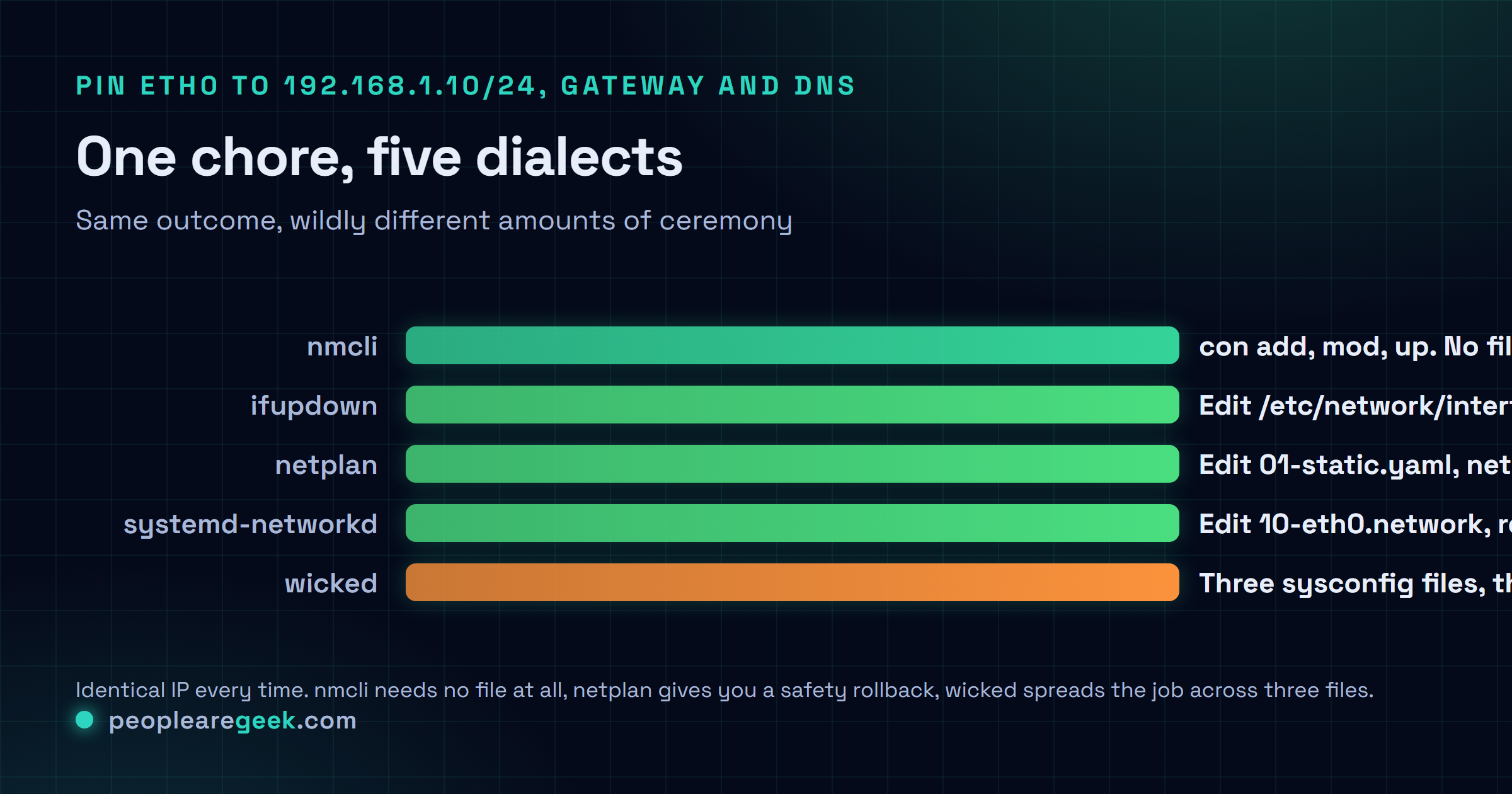
Here's the exact same chore, pin eth0 to 192.168.1.10/24, gateway 192.168.1.1, DNS 1.1.1.1, written out five different ways. Same goal. Wildly different amounts of ceremony to get there.

netplan
# /etc/netplan/01-static.yaml
network:
  version: 2
  ethernets:
    eth0:
      addresses: [192.168.1.10/24]
      routes:
        - to: default
          via: 192.168.1.1
      nameservers:
        addresses: [1.1.1.1, 8.8.8.8]

# Apply (use 'try' first on a remote box - it rolls back in 120s if SSH dies)
sudo netplan try
sudo netplan apply
ifupdown (Debian / Alpine)
# /etc/network/interfaces
auto eth0
iface eth0 inet static
    address 192.168.1.10/24
    gateway 192.168.1.1
    dns-nameservers 1.1.1.1 8.8.8.8

# Apply
sudo systemctl restart networking
# (Alpine: sudo rc-service networking restart)
NetworkManager (nmcli)
sudo nmcli con add type ethernet con-name eth0-static ifname eth0 \
  ip4 192.168.1.10/24 gw4 192.168.1.1
sudo nmcli con mod eth0-static ipv4.dns "1.1.1.1 8.8.8.8"
sudo nmcli con mod eth0-static ipv4.method manual
sudo nmcli con up eth0-static

# Or interactive TUI
sudo nmtui
systemd-networkd
# /etc/systemd/network/10-eth0.network
[Match]
Name=eth0

[Network]
Address=192.168.1.10/24
Gateway=192.168.1.1
DNS=1.1.1.1
DNS=8.8.8.8

# Enable
sudo systemctl enable --now systemd-networkd
sudo systemctl restart systemd-networkd
wicked (openSUSE Leap)
# /etc/sysconfig/network/ifcfg-eth0
BOOTPROTO='static'
IPADDR='192.168.1.10/24'
STARTMODE='auto'

# /etc/sysconfig/network/routes
default 192.168.1.1 - -

# /etc/sysconfig/network/config (DNS)
NETCONFIG_DNS_STATIC_SERVERS="1.1.1.1 8.8.8.8"

# Apply
sudo wicked ifreload eth0
sudo netconfig update -f
DNS resolver: resolvconf, systemd-resolved, the manual route
DNS is where this whole cross-distro thing falls apart, and where I've burned the most hours by a mile. Three approaches live side by side, and they don't always play nice with each other:
- Manual /etc/resolv.conf: just a flat list of nameservers, one per line. Dead simple, nothing clever about it. The gotcha that gets everyone, though: plenty of stacks stomp on this file every time the network restarts, so your careful edit just vanishes.
- systemd-resolved: a stub resolver sitting at 127.0.0.53 that forwards to your real upstreams and caches the answers. /etc/resolv.conf becomes a symlink to
/run/systemd/resolve/stub-resolv.conf. It's the default on Ubuntu, and on Arch when you're running networkd, and it keeps spreading. - NetworkManager-managed: NM writes /etc/resolv.conf itself, straight from the connection's
ipv4.dns. And when NM and systemd-resolved are both in play, NM is the one telling resolved which servers to use, which is the kind of detail you only learn after it bites you.
When I land on a box I don't know, these three lines tell me which of those I'm actually dealing with:
resolvectl status 2>/dev/null   # systemd-resolved is active if this returns
ls -la /etc/resolv.conf         # symlink target tells you the manager
cat /etc/resolv.conf            # what is actually being used
Common DNS trap: hand-editing /etc/resolv.conf while systemd-resolved is running. I've done it. Swore the change was saved. Then watched it disappear on the very next network event, which is a special kind of annoying at the end of a long day. Either turn systemd-resolved off, or set DNS through the stack itself (netplan nameservers, nmcli ipv4.dns, that sort of thing).
Migration patterns
From Debian ifupdown to netplan
Moving a box from Debian 12 to Ubuntu 24.04? Don't expect your ifupdown config to come along for the ride. Netplan doesn't read /etc/network/interfaces at all, so you're rewriting the thing from scratch. Here's the side-by-side:
# ifupdown
auto eth0
iface eth0 inet static
    address 10.0.0.5/24
    gateway 10.0.0.1
    dns-nameservers 1.1.1.1

# Equivalent netplan
network:
  version: 2
  ethernets:
    eth0:
      addresses: [10.0.0.5/24]
      routes:
        - to: default
          via: 10.0.0.1
      nameservers:
        addresses: [1.1.1.1]
From RHEL 7/8 network-scripts to RHEL 9 nmcli
RHEL 9 pulled the rug out from under /etc/sysconfig/network-scripts. It's no longer the source of truth. Your old ifcfg-* files will still parse if you install NetworkManager-initscripts-ifcfg-rh, but that's a crutch, not a home. The real home now is NetworkManager keyfiles. Here's how it maps over:
# Legacy /etc/sysconfig/network-scripts/ifcfg-eth0 (RHEL 7/8)
TYPE=Ethernet
BOOTPROTO=none
DEVICE=eth0
ONBOOT=yes
IPADDR=10.0.0.5
PREFIX=24
GATEWAY=10.0.0.1
DNS1=1.1.1.1

# Equivalent on RHEL 9 (via nmcli)
sudo nmcli con add type ethernet con-name eth0 ifname eth0 \
  ip4 10.0.0.5/24 gw4 10.0.0.1
sudo nmcli con mod eth0 ipv4.dns 1.1.1.1 ipv4.method manual
sudo nmcli con up eth0
Doing this across a whole fleet? Don't sit there firing off thousands of nmcli con add commands by hand, you'll go cross-eyed. Generate the keyfiles offline, use nmcli con import type keyfile, then rsync them into place. Way cleaner, and you get to review the diff before anything goes anywhere near a production NIC.
From wicked (openSUSE Leap) to NetworkManager (openSUSE Tumbleweed or next major Leap)
If you run openSUSE, this is the migration coming for you in the next 12 to 18 months. SUSE has already said the quiet part out loud: NetworkManager becomes the Leap default down the line. Your wicked /etc/sysconfig/network/ifcfg-* files won't load under NetworkManager as-is. But don't sweat it. The conversion is mechanical, and you can script the whole thing:
# wicked /etc/sysconfig/network/ifcfg-eth0
BOOTPROTO='static'
IPADDR='10.0.0.5/24'
STARTMODE='auto'

# NetworkManager equivalent
sudo nmcli con add type ethernet con-name eth0 ifname eth0 \
  ip4 10.0.0.5/24 gw4 10.0.0.1
sudo nmcli con up eth0
Decision tree: which stack for which scenario
On a fresh build, nine times out of ten the distro default makes the call for you, and that's fine. But when you've genuinely got a choice, here's how I decide:
- Server, one static IP, no Wi-Fi, never moves → systemd-networkd or netplan. Fewest moving parts, dead predictable. And it lives happily in Git as config-as-code.
- Server with gnarly routing, a VPN, a pile of network namespaces → NetworkManager. The daemon handles all those transitions without drama, and nmcli scripting has honestly grown up a lot.
- Desktop or laptop juggling Wi-Fi, VPN, a different network every day → NetworkManager, no contest. Nothing else even comes close on the switch-overs.
- Container host where pods get veth pairs and namespaces → systemd-networkd. Tiny footprint, and it gets out of the way of cri-o, containerd, docker, all of them.
- Bare-metal Debian box with a static IP that'll never change → ifupdown. Boring and daemonless, with the whole config sitting right there in /etc the moment you need it.
- Automating across distros with Ansible or Salt → netplan on Ubuntu, NetworkManager keyfiles everywhere else. Both render cleanly into templates. ifupdown's stanzas, frankly, are a pain to template.
Common gotchas across all stacks
- Interface naming: these days your NIC is probably called
enp3s0orens18, noteth0. Your config has to match whateverip linkactually prints. Copyeth0straight out of some random tutorial and it may not even exist on your machine. If you genuinely want the oldeth0back, the kernel parameternet.ifnames=0does the trick. - IPv6 on by default: every modern distro turns IPv6 on out of the gate. If your network doesn't actually do v6, you can end up squinting at sluggish connections while AAAA lookups time out in the background. Either give the box real v6 connectivity, or switch v6 off on purpose in the stack config. Pick one.
- DNS dies but ping works: the classic systemd-resolved head-scratcher.
ping 1.1.1.1sails right through,ping google.comjust hangs there. When that happens, go straight toresolvectl statusand see what the stub is actually doing. - Locked out over SSH after a restart: this one I learned the hard way, and I'd rather you didn't. Push network changes to a remote box with no safety net and you can fence yourself out completely, no way back in short of a console.
netplan tryrolls everything back in 120 seconds.nmcliapplies live, no restart at all. For ifupdown, kick off asleep 60 && systemctl restart networkinginside a tmux session, so if you lose the link you can reconnect and kill it before the reboot lands. - Connections pinned to a MAC: some stacks tie a profile to one specific MAC address. Clone a VM or swap a NIC and the profile flat-out refuses to attach to the new interface, no warning, it just doesn't come up. Go hunting for
match-device-idorHWADDR=in the config and either fix the binding or rip it out entirely.
Sources and further reading
Frequently asked questions
Should I just use NetworkManager everywhere?
It's a fair strategy for a small fleet, especially one with mixed desktops and servers. The catch: your config lives in keyfiles, and keyfiles just aren't as natural to template as YAML. On a 50+ host fleet automated with Ansible, mixing netplan on Ubuntu with NetworkManager on the RHEL family gives you cleaner code than going NetworkManager everywhere. I might be wrong for your exact setup, but that's been my experience.
Why does Ubuntu have netplan if the backend is just NetworkManager or systemd-networkd?
Stability across versions, and a simpler abstraction for the person writing the config. The YAML schema stays put while the backends churn underneath it. Ubuntu's bet is that a stable user-facing config language is worth paying the indirection cost. In practice it works well for the 95 percent case, and gets right in your way for the 5 percent of edge cases where you actually need backend-specific tuning.
Is wicked deprecated?
Depends what you mean. In the sense that openSUSE Tumbleweed has moved on? Yeah. In the sense that openSUSE Leap 15.5 still ships it and supports it? No. New deployments on Leap should still reach for wicked, because that's what the distro tooling quietly assumes. New deployments on Tumbleweed should use NetworkManager.
Can I run multiple stacks on the same host?
Technically yes. In practice, please don't. NetworkManager and systemd-networkd will both lunge for the same interface and fight over it, and nobody wins that fight. If two stacks are installed, disable one explicitly with systemctl mask. Containers and namespaces are the one exception: the host stack manages the host interface while the container runtime manages the veth pairs inside the namespaces, and they stay out of each other's way.
How do I disable IPv6 across all stacks?
A few ways in. The kernel parameter ipv6.disable=1 at boot kills IPv6 globally, and it's the cleanest if you genuinely mean it. Prefer something narrower? sysctl net.ipv6.conf.eth0.disable_ipv6=1 does it per-interface at runtime. Or go per-stack with link-local: false in netplan, ipv6.method ignore in nmcli. One warning, though: plenty of modern services just assume v6 is around, so disabling it can break things in subtle ways you won't notice for a while.