The best NAS for home in 2026 is the one that fits the job you actually want done, not the one at the top of a leaderboard. A two-bay box that quietly mirrors your photos and runs Plex is a totally different purchase from a four-bay machine running a dozen Docker apps, and both are different again from the DIY route where you bolt TrueNAS onto a mini PC and save a pile of money. So this guide is grouped by that, by the job. And it is straight about the stuff reviews skip: the vendor lock-in, the security track records, the times the software lets you down. Prices move constantly, so go check the live price yourself.
The short answer
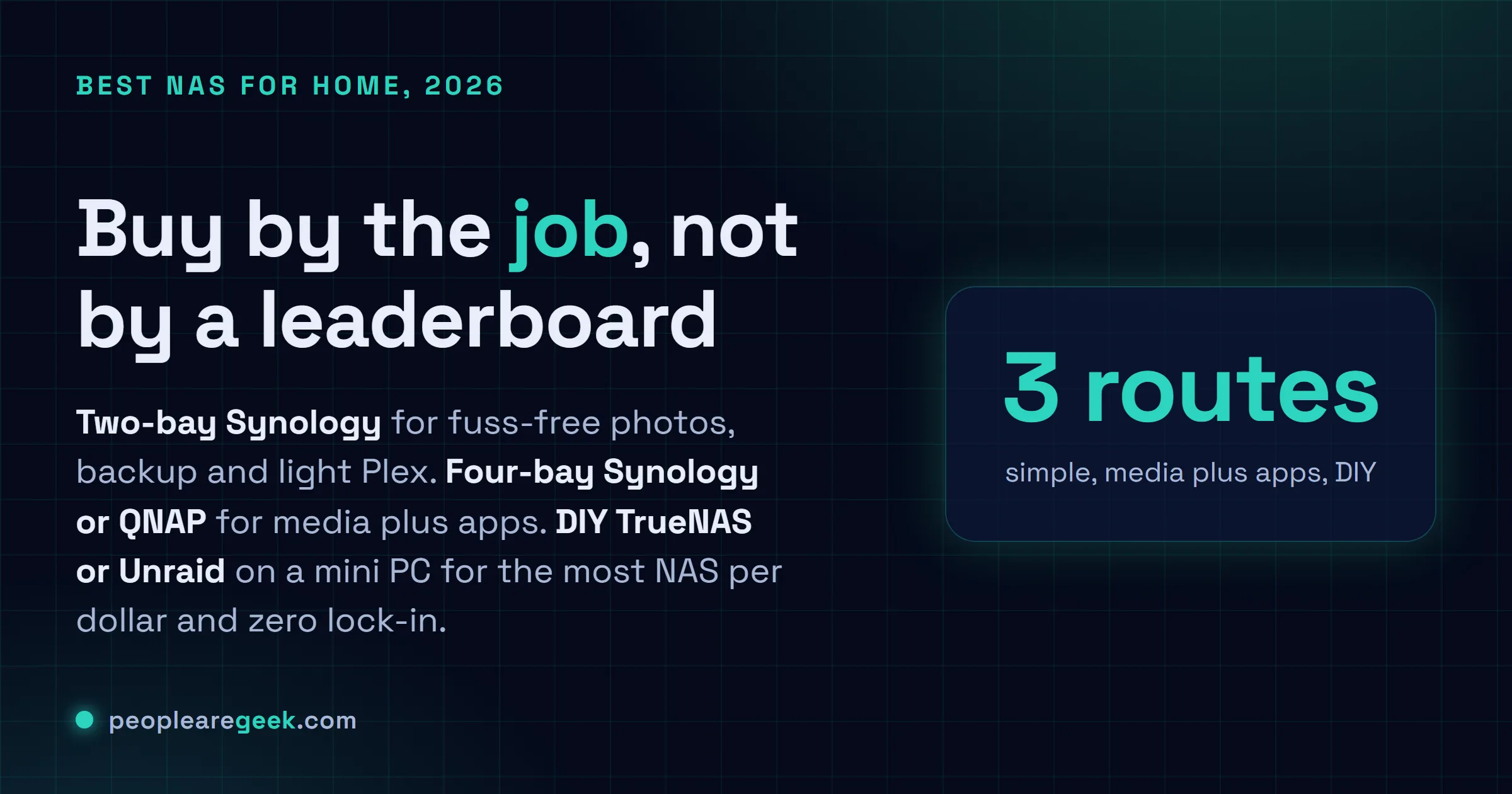
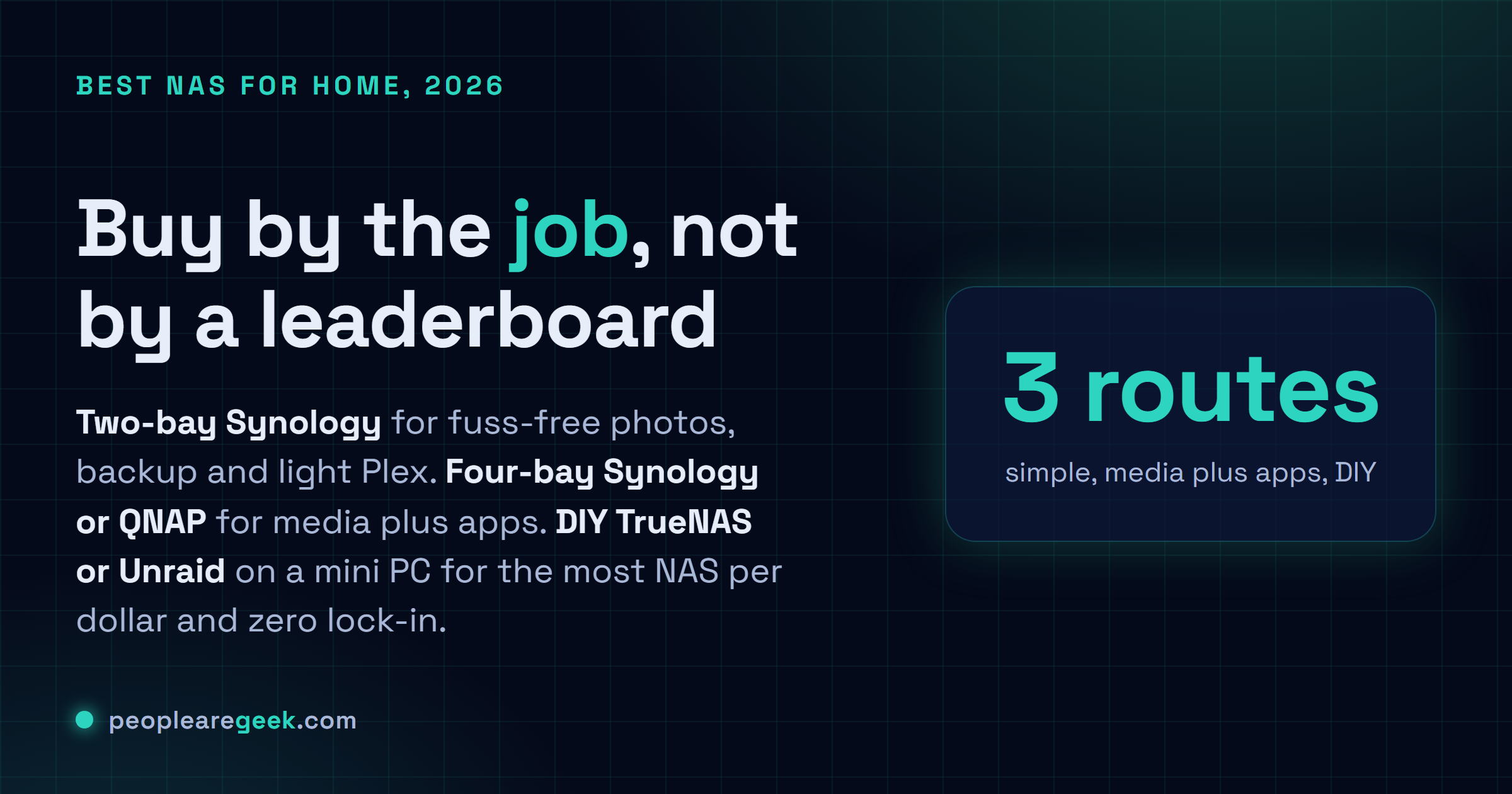
Buy by the job, not by a leaderboard. A two-bay Synology like the DS224+ keeps photos safe and runs light Plex with the easiest software there is. A four-bay box (Synology DS423+ for the smooth path, QNAP for more hardware behind your firewall) adds a real RAID array and Docker apps. The DIY route, TrueNAS SCALE or Unraid on a mini PC, gives you the most NAS per dollar and zero lock-in, if you'll be your own support desk.
I've had a NAS running in my house for years now, and the box has changed three times. The job hasn't. Keep the family photos safe, back up every machine in the house, and stream a movie to the TV without buffering. That's it. So when someone asks me which NAS to buy, my honest first answer is a question back: what do you actually want it to do? Because a two-bay box that quietly mirrors your photos and runs Plex is a totally different purchase from a four-bay machine running a dozen Docker apps, and both are different again from the DIY route where you bolt TrueNAS onto a mini PC and save a pile of money. This guide is grouped by that, by the job, not by a leaderboard. And I'm going to be straight about the stuff reviews skip: the vendor lock-in, the security track records, the times the software lets you down. Prices move constantly, so I won't quote numbers that'll be wrong by next week. Go check the live price yourself.
The quick comparison table
Here's the shortlist I'd hand a friend who texted me asking what to get. Five families, grouped by the job. The "watch-outs" column is the part the spec sheets and most reviews leave out, so read that one carefully.
| Family | Best for | Key strengths | Watch-outs |
|---|---|---|---|
| Synology (DS224+, DS423+, DS923+) | Set-and-forget backup, photos, Plex, the polished easy path | Best software in the business, great mobile apps, rock-solid for beginners, huge community | Weaker CPUs for the money, and the 2025-onward push toward Synology-branded drives is real lock-in, check compatibility before you buy |
| QNAP (TS and TVS lines) | Power users who want more ports and features for the price | More hardware per dollar, 2.5GbE or faster common, HDMI on many, big app catalog | Software feels clunkier, and there's a real history of ransomware hitting internet-exposed units, keep it off the open web and patch fast |
| UGREEN NASync | Strong hardware value if you'll tolerate younger software | Genuinely good specs for the money, modern CPUs, 2.5GbE, often NVMe slots, slick hardware | The OS is newer and still maturing, smaller community, fewer years of track record than the old guard |
| Asustor | The solid alternative when you want off the Synology or QNAP track | Good value, often 2.5GbE, HDMI out on many models, capable ADM software | Smaller community than the big two, app selection thinner, less mindshare so fewer guides online |
| DIY: TrueNAS or Unraid (on a mini PC or custom box) | Best performance per dollar, full control, no vendor lock-in | Real CPU, real RAM ceiling (often ECC), ZFS on TrueNAS, runs anything, you own it end to end | You're the support team, setup takes a weekend, Unraid licenses cost money, more moving parts to maintain |
What actually matters when buying a NAS
Before any model names, this. Get these right and the box almost picks itself. Get them wrong and you'll be reselling a half-used NAS in three months, annoyed. I've made a couple of these mistakes, so learn from mine.
Bays and expandability
Bay count sets your ceiling, and people underestimate how fast they fill it. A two-bay box mirrors one drive to another, so you get the capacity of a single drive with redundancy. Fine for photos and backups. Four bays is where it gets comfortable, because you can run a proper RAID array and still lose a drive without panic. My honest advice: buy one bay more than you think you need today. Drives die, libraries grow, and adding bays later usually means buying a whole new unit.
CPU and Plex hardware transcoding
This is the spec that trips up media folks. If you want Plex or Jellyfin to convert video on the fly so it plays on a phone or an old TV, you want hardware transcoding, and that means an Intel chip with Quick Sync. Plenty of NAS CPUs have it. ARM-based budget boxes often don't, and then your little NAS chokes the second someone watches outside the house. So if Plex matters, check the CPU model against Plex's own hardware-transcode notes before you spend a cent. Direct play (no conversion) is easy on anything. Transcoding is where the cheap boxes fall over.
RAM and ECC
RAM is what runs out first once you start running apps. A bare file server barely needs any. Stack Docker containers, a couple of VMs, a photo-recognition service, and suddenly 2GB is laughable. Look at whether the RAM is upgradeable, because a lot of the sealed consumer boxes solder it. ECC RAM is the bonus tier: it catches memory errors before they corrupt data, which matters most on ZFS systems. You mostly find ECC on the DIY route and the higher-end units. It's not mandatory for a home NAS, but if you're storing the only copy of something you'd cry to lose, it's worth wanting.
2.5GbE vs 1GbE
For years every NAS shipped 1GbE and capped your transfers around 110 MB/s. That's fine for streaming and backups. But 2.5GbE has gotten cheap, the newer QNAP, UGREEN and Asustor boxes include it, and it genuinely speeds up big file moves if the rest of your network keeps up. I'll be straight though: for pure backup and Plex over the house, 1GbE still works fine, and you shouldn't skip an otherwise-better box just to chase the faster port. If you regularly shove huge files around, weight it heavily. Otherwise relax.
Drive bays vs NVMe
Spinning drives in the bays are still where your bulk storage lives, because terabytes-per-dollar on HDDs is unbeatable. NVMe slots, which more NAS boxes now include, are for speed: a read/write cache, or fast app and VM storage kept separate from the slow array. Don't expect a couple of NVMe slots to replace your drive bays for capacity. Think of them as the fast lane on top of the bulk lane.
Noise and power
A NAS runs 24/7, so both of these are forever costs. Spinning drives make noise and draw power, and a four-bay box full of them is audible if it sits in your living room. Mine lives in a closet for exactly that reason. Idle power matters too, since a few extra watts run all year add up. Lower-power CPUs and drive-spindown features help. If the box has to live where you sleep or work, weight noise heavily, because you can't un-hear a NAS at 2am.
Vendor lock-in and the update track record
Here's the part the glossy reviews skip, and it's the part I care about most. Synology makes the nicest software, no argument, but on the 2025-and-newer plus-series models they've pushed hard toward their own branded drives, restricting full features and health reporting with third-party disks on some units. That's lock-in, plain and simple, and you need to check the compatibility list for your exact model before buying, or budget for their drives. QNAP gives you more hardware, but its security history is the caveat: internet-exposed QNAP units have been hit by ransomware campaigns more than once, so you keep it off the open web, behind your firewall, and you patch quickly. UGREEN and to a degree Asustor are the younger-software story, less battle-tested over the years, smaller communities when something breaks at midnight. And the DIY route hands you total freedom with zero lock-in, but you become your own support desk. None of these is a dealbreaker. You just want to walk in knowing which tradeoff you're signing up for.
One honest caveat on prices and specs: NAS lineups change every cycle, and the same family name can ship with a different CPU, NIC, or drive-compatibility policy depending on the model year. Always open the current listing and the vendor's compatibility page, and confirm the CPU (for Plex transcoding), the RAM ceiling, and the drive policy before you buy. I'm describing families, not promising a fixed spec.

Simple 2-bay: backup and Plex
If your whole plan is "keep my photos safe, back up the laptops, and stream the occasional movie," start here and don't overspend. A two-bay box with two drives mirrored gives you redundancy and a clean, friendly setup. This is exactly where Synology earns its reputation. The software is the easiest in the category, the photo app is genuinely good, and a model like the DS224+ does backup and light Plex without fuss. Just check that the Plex transcoding you need works on its CPU, and read up on the drive-compatibility policy for your model year before you order, because that lock-in is the one thing that bites Synology buyers now.
Want more hardware for similar money on the two-bay tier? A UGREEN NASync two-bay or an Asustor gives you a stronger CPU and often 2.5GbE, which helps if Plex transcoding is on the table. The tradeoff, honestly, is younger or less-popular software, so you trade a little hand-holding for better specs. For a lot of people that's a fair swap.
4-bay: media plus apps
Now the tier where a NAS becomes a little home server. Four bays, a real RAID array, and enough CPU and RAM to run Docker apps alongside your media. This is where most enthusiasts land, and where the choice gets interesting.
The Synology DS423+ (and the higher DS923+ if you want more grunt and an ECC option) is the comfortable, polished pick. Great for a family that wants media, photos, backups and a few apps without becoming a sysadmin. Same caveats apply: verify the CPU handles your Plex transcoding needs, and check the drive policy for the model year.
The QNAP four-bay machines are the value-and-features camp. You typically get a stronger spec sheet, 2.5GbE, sometimes HDMI out, and a sprawling app store, all for less than the Synology equivalent. The price you pay isn't only money: the software is busier and clunkier to learn, and QNAP's security history means you absolutely keep it behind your firewall and patch it promptly. Never expose it straight to the internet. Treated sensibly, it's a lot of NAS for the money.
And don't sleep on UGREEN NASync four-bay or Asustor here. UGREEN's hardware value at this tier is strong, modern CPU, 2.5GbE, NVMe slots on many models, with the usual asterisk that the OS is still maturing. Asustor is the steady alternative if you want off the big-two track without going full DIY.
The DIY route (TrueNAS and Unraid)
This is the tier I have the most affection for, and the one newcomers skip because it looks intimidating. Take a mini PC or a small custom box, install TrueNAS SCALE or Unraid, add drives, and you've got a NAS that runs circles around a same-price appliance. It's the cheapskate-power option, and I mean that as a compliment.
Why it wins on value: you get a real CPU (Intel with Quick Sync if you want effortless Plex transcoding), a proper upgradeable RAM ceiling, often the option of ECC, and zero vendor lock-in. TrueNAS SCALE is built on ZFS, which gives you checksumming and snapshots that are honestly fantastic for protecting data, though ZFS likes plenty of RAM. Unraid takes a different tack: mismatched drive sizes are fine, you grow the array one disk at a time, and its app and VM story is very friendly. Unraid is paid software, which is the one cost the appliances don't have, but plenty of people happily pay it.
The catch, said plainly: you're the support team now. There's no app to tap when something breaks. Setup is a weekend, not an afternoon, and you'll be reading forum threads. If that sounds like fun, the DIY route gives you the most capable, most flexible, least locked-in NAS you can build, and a mini PC with a SATA bay or a small drive cage is a perfect host. If it sounds like a chore, buy an appliance and don't feel bad about it.
What I'd actually buy
Cutting through all of it, here's what I'd reach for, depending on who's asking.
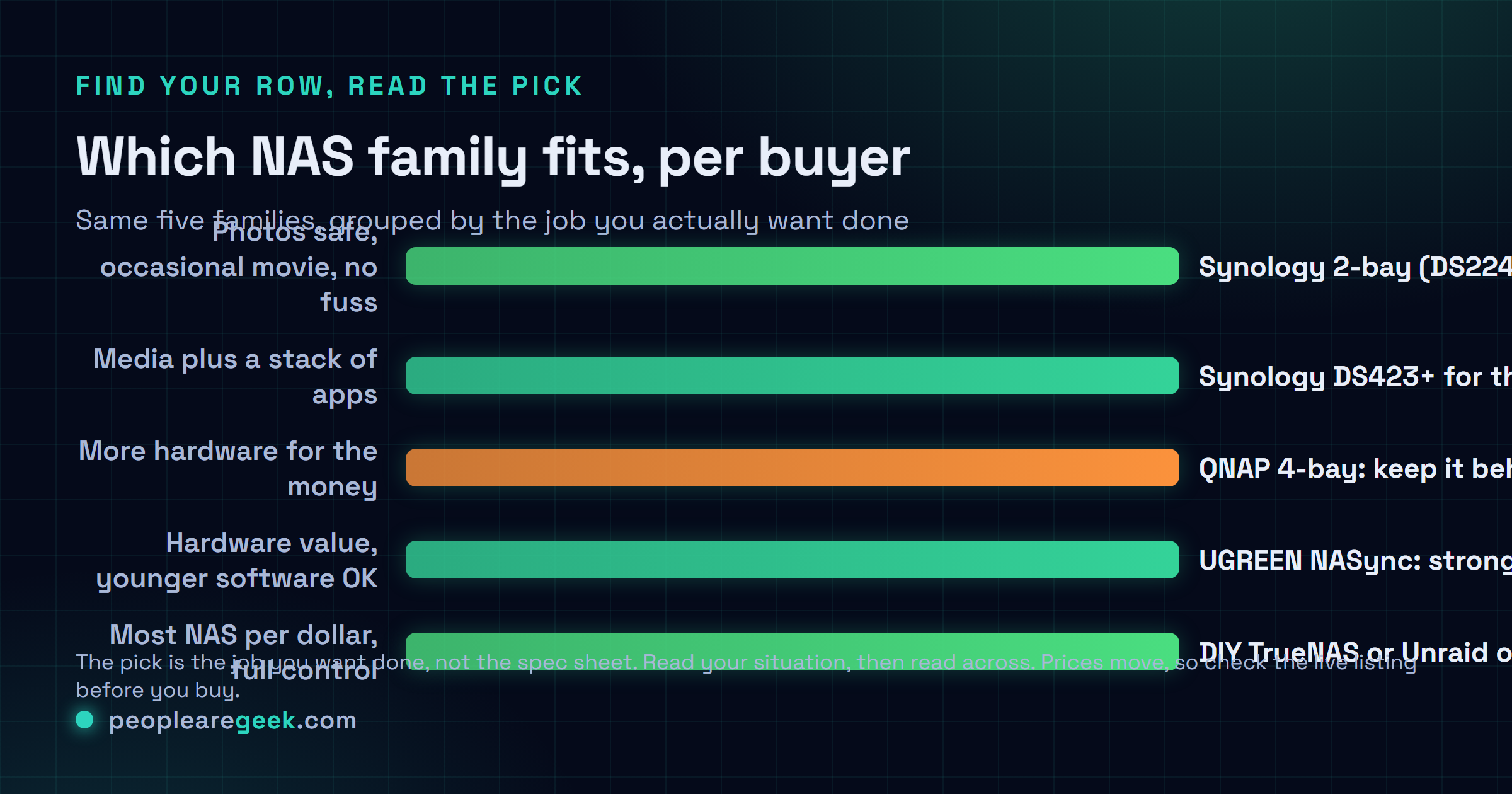
- Just want photos safe and the occasional movie, no fuss? A two-bay Synology like the DS224+. Easiest software there is, and you'll set it up in an evening. Check the drive policy for the model year first.
- Want media plus a stack of apps, and you'll learn a bit? A four-bay box. Synology DS423+ for the smooth path, QNAP if you want more hardware for the money and you'll keep it behind your firewall.
- Hardware value matters and you'll tolerate younger software? UGREEN NASync. Strong specs per dollar, just go in knowing the OS is still maturing.
- Want the most NAS per dollar and full control? The DIY route, TrueNAS SCALE or Unraid on a mini PC. It's what I'd build if I had a free weekend and wanted Plex transcoding done right.
If you forced me to pick one answer for the most people, it's a four-bay Synology for anyone who values their time, or the DIY mini-PC route for anyone who enjoys the tinkering and wants Plex transcoding without compromise. Pick based on how you feel about spending a weekend on it. That's genuinely the whole decision.
Frequently asked questions
Is Synology still worth it with the drive lock-in?
For a lot of people, yeah, because the software is still the best in the category and that's most of what you're paying for. But you have to go in with eyes open. On the 2025-and-newer plus-series models, Synology pushed hard toward their own branded drives, limiting some features and health reporting with third-party disks on certain units. So before you buy, check the compatibility list for your exact model, and either pick a model that's still flexible or budget for Synology drives. If that lock-in bothers you on principle, QNAP, UGREEN, or the DIY route give you free drive choice.
What CPU do I need for Plex on a NAS?
It depends on whether you need transcoding. If everything plays as direct play, almost any NAS CPU is fine. The moment you need the NAS to convert video on the fly for a phone or an old TV, you want hardware transcoding, which on most NAS boxes means an Intel chip with Quick Sync. Plenty of Synology, QNAP, UGREEN and Asustor models have it. Budget ARM-based boxes often don't, and they choke the second someone streams outside the house. Check the exact CPU against Plex's hardware-transcode notes before you buy. That one check saves a lot of regret.
Is QNAP safe to use after all the ransomware news?
It can be, but you have to use it sensibly. QNAP's history of ransomware campaigns mostly hit units that were exposed directly to the internet with weak or default settings. The fix is the same advice that applies to any NAS: never expose it straight to the open web, keep it behind your firewall, use a VPN or the vendor's secured remote access for outside connections, and patch the firmware promptly. Do that and a QNAP is a lot of capable hardware for the money. Ignore it and any internet-facing NAS is a target, not just QNAP.
Should I build a DIY NAS or buy an appliance?
Be honest with yourself about time. A DIY build with TrueNAS SCALE or Unraid on a mini PC gives you more performance per dollar, a real RAM ceiling, often ECC, effortless Plex transcoding with an Intel chip, and zero vendor lock-in. The price is your weekend and your willingness to be your own support desk when something breaks. An appliance like Synology costs more for the hardware but hands you polished software and an app to tap when you're stuck. If tinkering sounds fun, build it. If it sounds like a chore, buy the box.
How many bays do I actually need?
More than you think today, because libraries grow and drives fill faster than you expect. Two bays mirror one drive to another, giving you a single drive's capacity with redundancy, which is plenty for photos and backups. Four bays let you run a proper RAID array and lose a drive without sweating, and that's where most enthusiasts land. My rule is to buy one bay more than you need right now, because adding capacity later usually means buying a whole new unit rather than just another disk.