FFmpeg picked up a frame rate up conversion filter on Saturday August 29, 2026, merged as a series of fruc_vulkan commits. The filter takes a low frame rate clip and invents the frames in between, computing motion with the NVIDIA optical flow extension exposed through Vulkan rather than through CUDA. That last part is what makes it interesting for anyone building a transcode pipeline: it is a normal Vulkan filter in a normal Vulkan filter chain. The two new options, perf and grid, are the ones that decide whether the filter runs comfortably on your content or falls behind.
The short answer
FFmpeg merged a frame rate up conversion filter to git master on Saturday August 29, 2026, as a series of fruc_vulkan commits. It computes motion between frames using the NVIDIA optical flow extension exposed through Vulkan, then warps neighbouring frames along that motion to build the frames in between. Two new options control the cost: perf selects slow, medium or fast motion estimation, and grid selects the output grid of the flow field, from the finest the device supports up to eight pixels. The documentation notes that 2160p24 content needs reduced settings, given as perf=medium and grid=2, to run comfortably. It requires a Vulkan driver exposing VK_NV_optical_flow.
Frame interpolation has lived in proprietary players and driver control panels for years. Having it as a filter in the tool everyone already scripts against is a different proposition.
A Vulkan filter, not a CUDA one
The detail worth pausing on is where the code sits. NVIDIA has had an optical flow engine on its GPUs for several generations, and the usual way to reach it has been the vendor SDK. This filter reaches it through VK_NV_optical_flow, a Vulkan extension, which makes the filter an ordinary member of the Vulkan filter chain.
That matters if you are building a pipeline rather than running a one off command. Frames already in Vulkan memory stay there. You are not copying out to system memory to run interpolation and copying back to finish scaling or encoding. The merge series shows the plumbing that makes this work: the filter starts as a copy of the existing framerate filter, becomes a Vulkan filter, then gains a proper optical flow pipeline, double buffered flow resources, and pipelined cross queue submissions. A supporting commit adds ff_vk_exec_add_dep_signal_sem to the shared Vulkan helper code, which is the sort of change you make when two queues have to hand work to each other without stalling.
Later commits in the series widen format support to planar RGB and additional packed formats, stop recalculating the warp for every plane, and suppress spurious flow in featureless regions. That last one is a familiar problem: a flat sky or a blank wall gives an optical flow engine nothing to lock onto, and the vectors it returns there are noise you do not want to warp along.
The two options that decide whether it is usable
The filter arrived with fps, evaluated as an expression with source_fps available and defaulting to 60. The commit that matters for capacity planning added the other two.

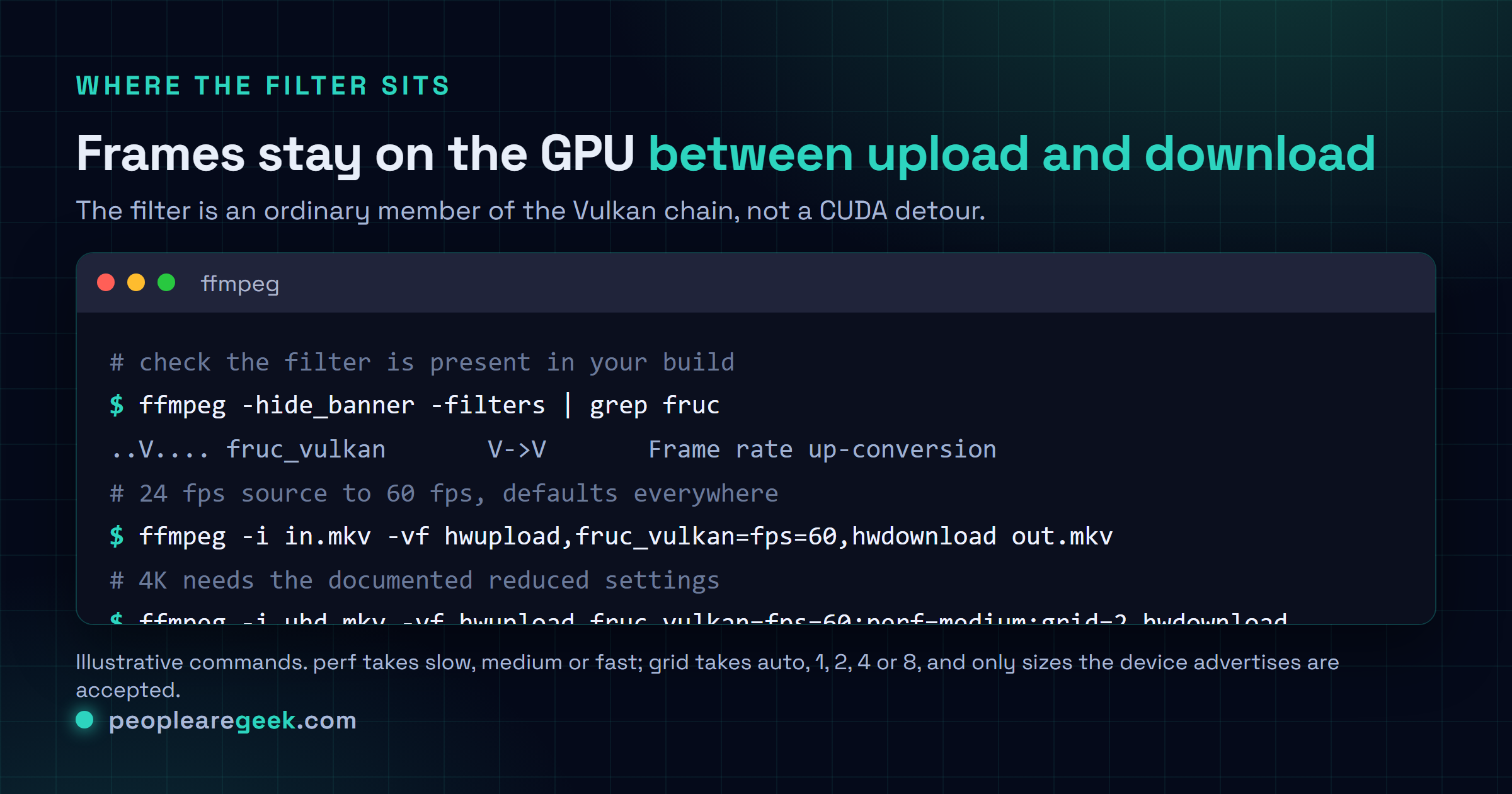
perf sets the optical flow performance level to slow, medium or fast. It was hard coded to slow before, and slow remains the default. The documentation calls it the dominant cost at high resolutions, which is the honest framing: at 1080p you may never touch it, and at 4K it is the first thing you will reach for.
grid sets the output grid size of the flow field in pixels. auto is the default and picks the finest grid the device supports, usually one vector per pixel. You can ask for 1, 2, 4 or 8, and only sizes the device advertises are accepted. Coarser means fewer vectors to compute and less memory to hold them, at the cost of flow detail, which shows up first on small fast moving objects.
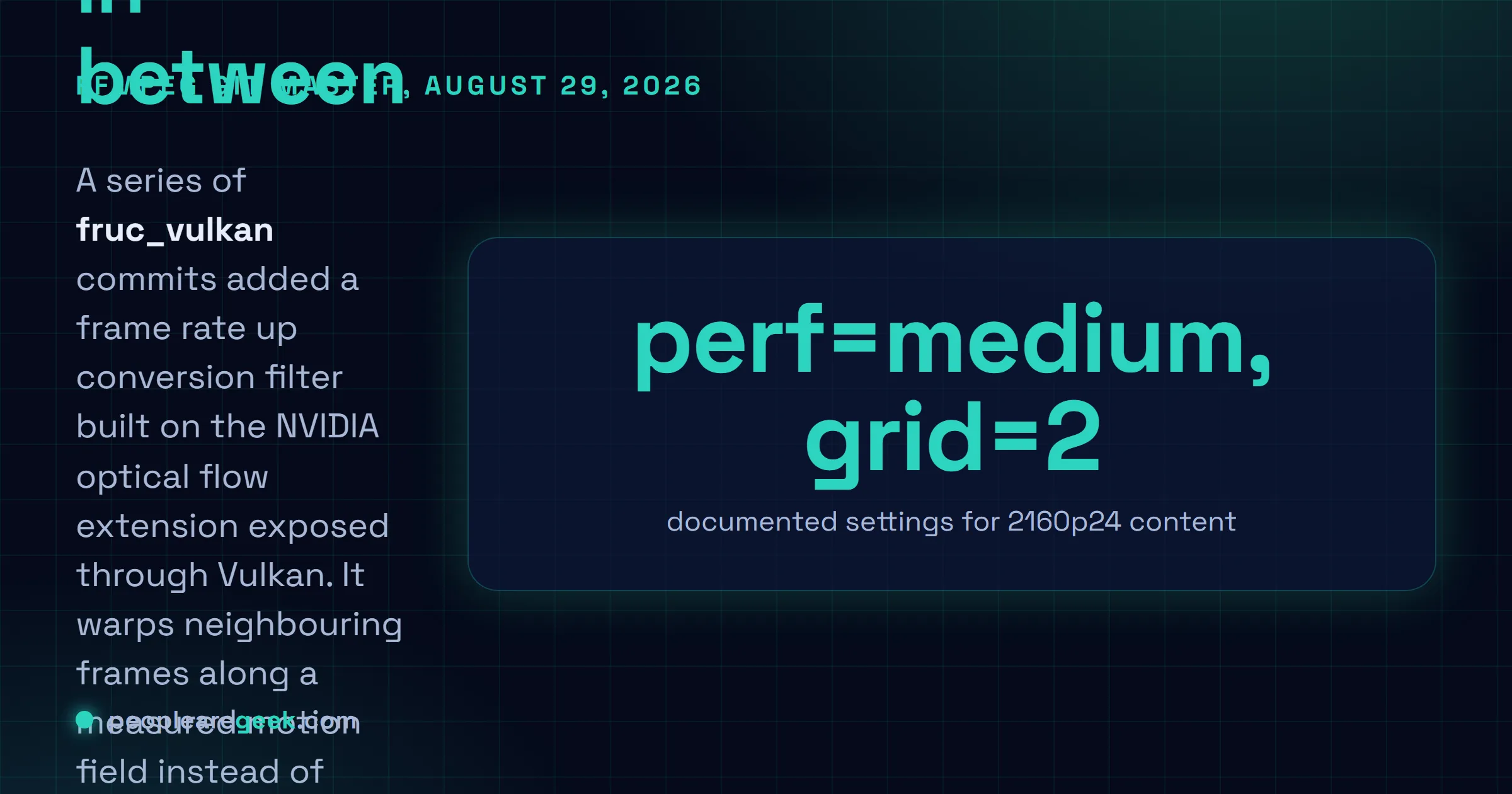
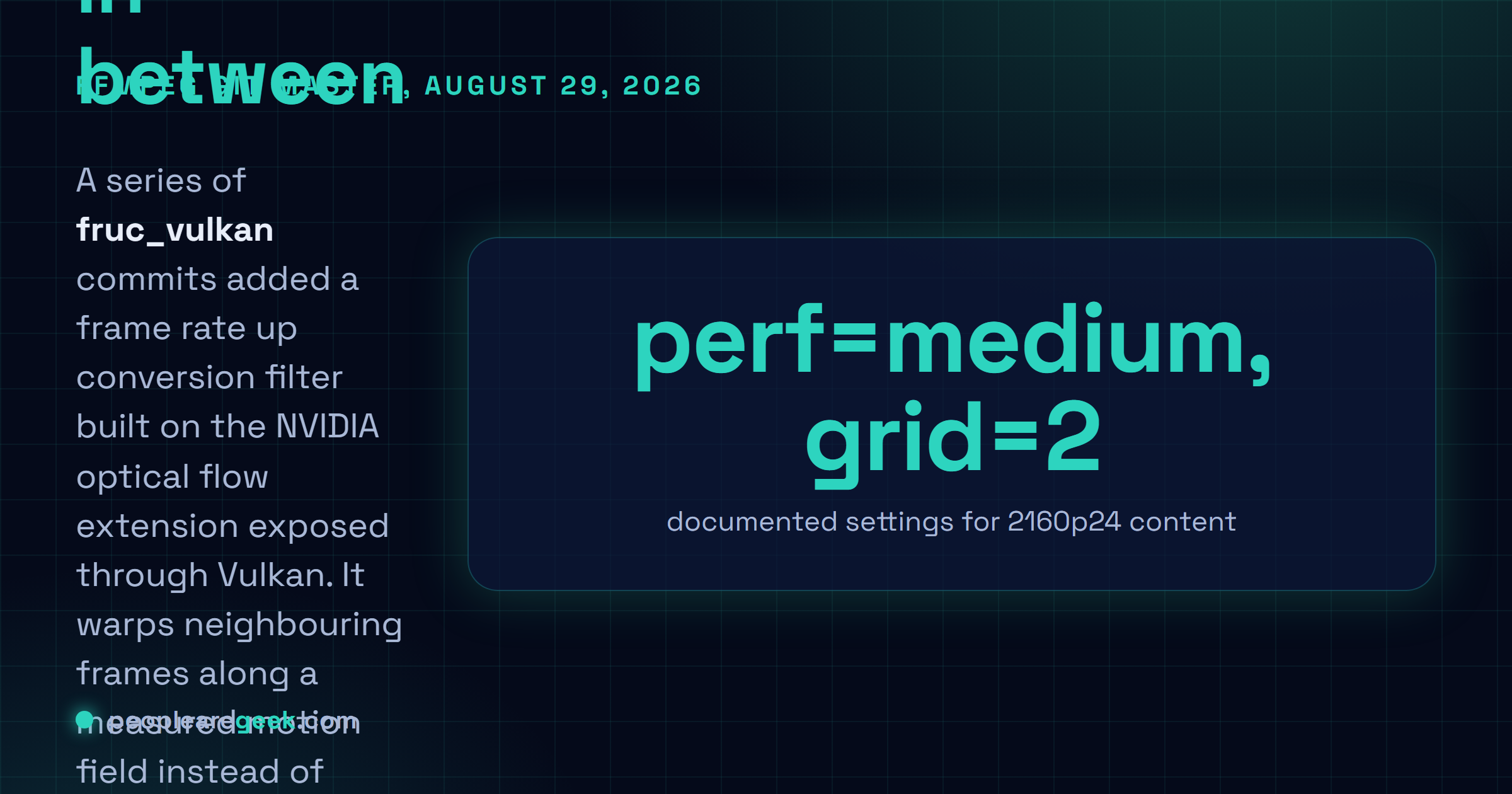
The worked example in the commit message is the useful part. For 2160p24 movie content the documentation gives perf=medium and grid=2 as the settings that let the filter run comfortably. If you are sizing a machine for this, start there rather than at the defaults.
What did not land
Around the same weekend a branch of NVIDIA RTX video filters also appeared in FFmpeg git and then disappeared again. It carried dynamic vibrance through NVIDIA's DeepDVC network on CUDA, upscaling through DLPP and NGX image super resolution, Smooth Motion frame generation, RTX TrueHDR and RTX video super resolution. As of the morning of August 30 that code was no longer in master.
Treat that as a reminder about how upstream works. A merge is not a release, and a branch touching this much vendor specific surface tends to get a second look. The fruc_vulkan series is the one that stuck, and it is the one already carrying a version bump and a Changelog entry.
Where this fits
For anyone maintaining a transcode farm, the question is not whether interpolated frames look good in a demo. It is what the filter costs per stream and whether that cost is predictable. Two documented knobs and a stated example for 4K is more than most hardware accelerated filters ship with.
The wider pattern is worth noting too. Vendor compute features keep arriving in open pipelines through the graphics API rather than the compute SDK, which is part of why porting a full compute stack to another operating system is such slow work, as the FreeBSD ROCm effort shows, and why ROCm 10.0 reorganised itself around a developer stack. When the feature is a Vulkan extension, everything that already speaks Vulkan gets it for free.
Sources and further reading
- FFmpeg commits on master, FFmpeg on GitHub
- avfilter/fruc_vulkan: expose optical flow perf level and grid size, FFmpeg commit, August 29, 2026
- avfilter: version bump for vf_fruc_vulkan, FFmpeg commit, August 29, 2026
- NVIDIA Vulkan Frame Rate Up-Conversion "FRUC" Merged To FFmpeg, Phoronix, August 30, 2026
- Harnessing the NVIDIA Ada Architecture for Frame Rate Up-Conversion, NVIDIA developer blog
Frequently asked questions
What does the fruc_vulkan filter actually do?
It raises the frame rate of a clip by generating frames that were never shot. For each pair of real frames the filter asks the NVIDIA optical flow engine for a motion field, then warps the neighbours along that motion to build whatever intermediate frames the requested output rate needs. That is different from the older framerate filter, which blends or duplicates. Blending gives you ghosting on motion, duplication gives you judder. Warping along measured motion gives you something that looks like a frame from the right moment, as long as the motion estimate holds up.
What hardware and drivers do I need?
A Vulkan driver that advertises the VK_NV_optical_flow extension, which in practice means an NVIDIA GPU with the optical flow engine and a recent driver. NVIDIA documents frame rate up conversion built on that engine for the Ada architecture in its Optical Flow SDK material. Because this is a Vulkan filter rather than a CUDA one, it slots into an existing Vulkan filter graph and shares Vulkan frames with the rest of the chain instead of forcing a round trip through system memory.
What do perf and grid change?
Both trade motion estimation quality for throughput, and the FFmpeg documentation is blunt that you will need them. perf takes slow, medium or fast, with slow as the default, and it is described as the dominant cost at high resolutions. grid sets the output grid size of the flow field in pixels: auto picks the finest grid the device supports, which is usually one vector per pixel, and 1, 2, 4 and 8 are accepted if the device advertises them. A coarser grid computes fewer vectors, so it is faster and uses less memory, and you pay in flow detail.
What settings does the documentation suggest for real content?
The commit that added the options gives one worked example: 2160p24 movie content needs reduced settings, cited as perf=medium and grid=2, for the filter to run comfortably. Read that as the shape of the problem rather than a universal recipe. Full quality flow at one vector per pixel on a 4K frame is a lot of work per frame pair, and the finest grid is not what you want the moment resolution goes up.
How do I set the output rate?
The fps option takes a string that is evaluated as an expression, and the constant source_fps is available inside it. The default is 60. So you can write a fixed target, or express the target relative to the input, which is what you want in a batch job where the sources are not all the same rate. The filter reduces the resulting rate to a sane timebase and falls back to a plain timebase when that reduction degenerates.