Web accessibility stopped being optional, and in 2026 it is a compliance line, not goodwill. The European Accessibility Act went enforceable in June 2025, US courts keep siding with people a site locks out, and the WebAIM Million scan still flags detectable failures on roughly 95 percent of home pages. So most of the web is now non-compliant and, more and more, a target. Here is the part nobody leads with, though: the fixes are not exotic. A small pile of issues does most of the damage, and you can clear them without rebuilding a thing. This is the honest version of what WCAG actually asks of you, and how to test it yourself.
The short answer
Target WCAG 2.2 level AA, the current stable standard the laws point at. Five issues sink most sites: low contrast, missing alt text, empty form labels, vague link text, and a page with no declared language. It's law now, not goodwill, and automated tools catch only about a third, so a keyboard pass and a screen-reader pass do the rest.
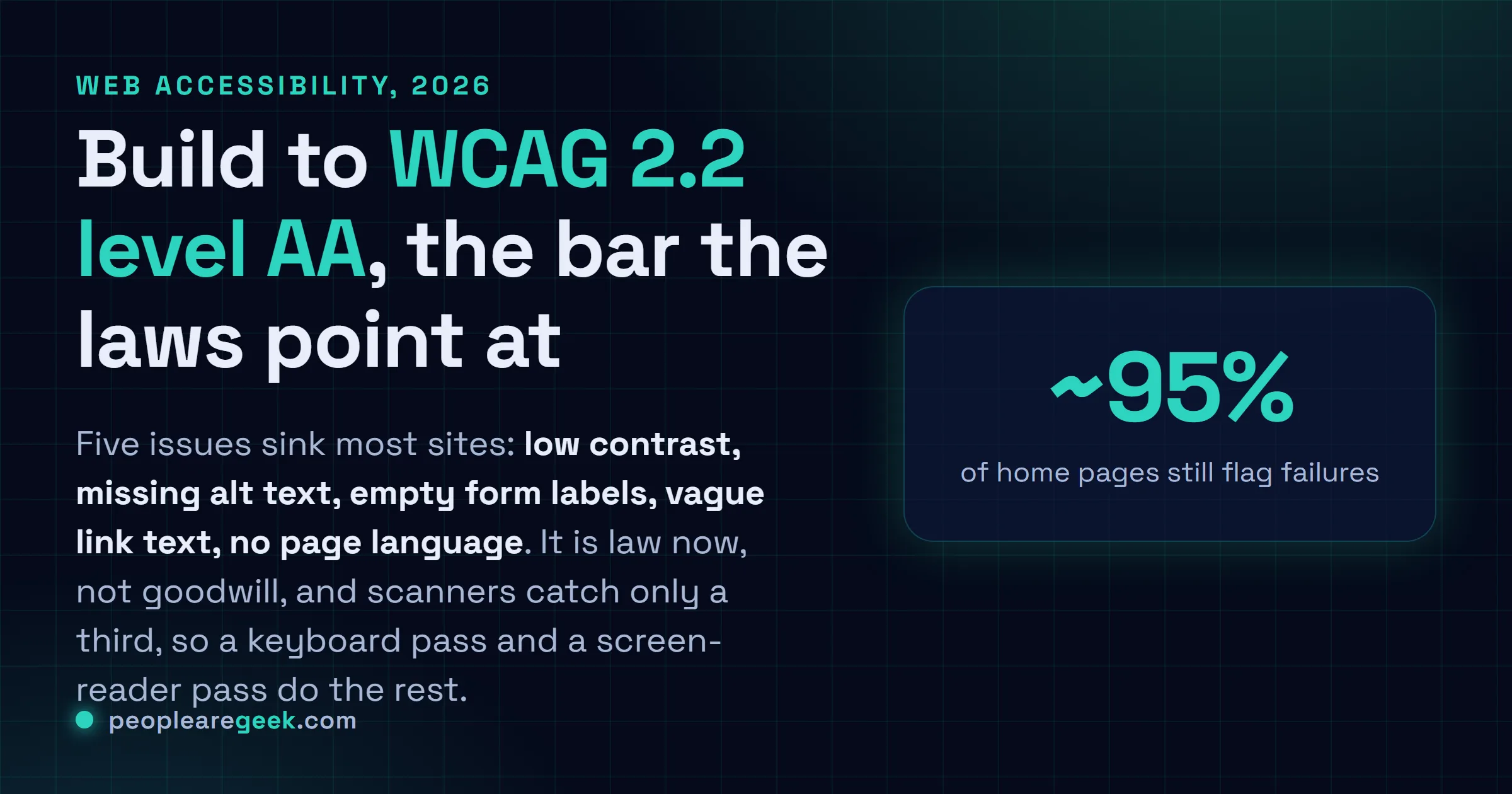
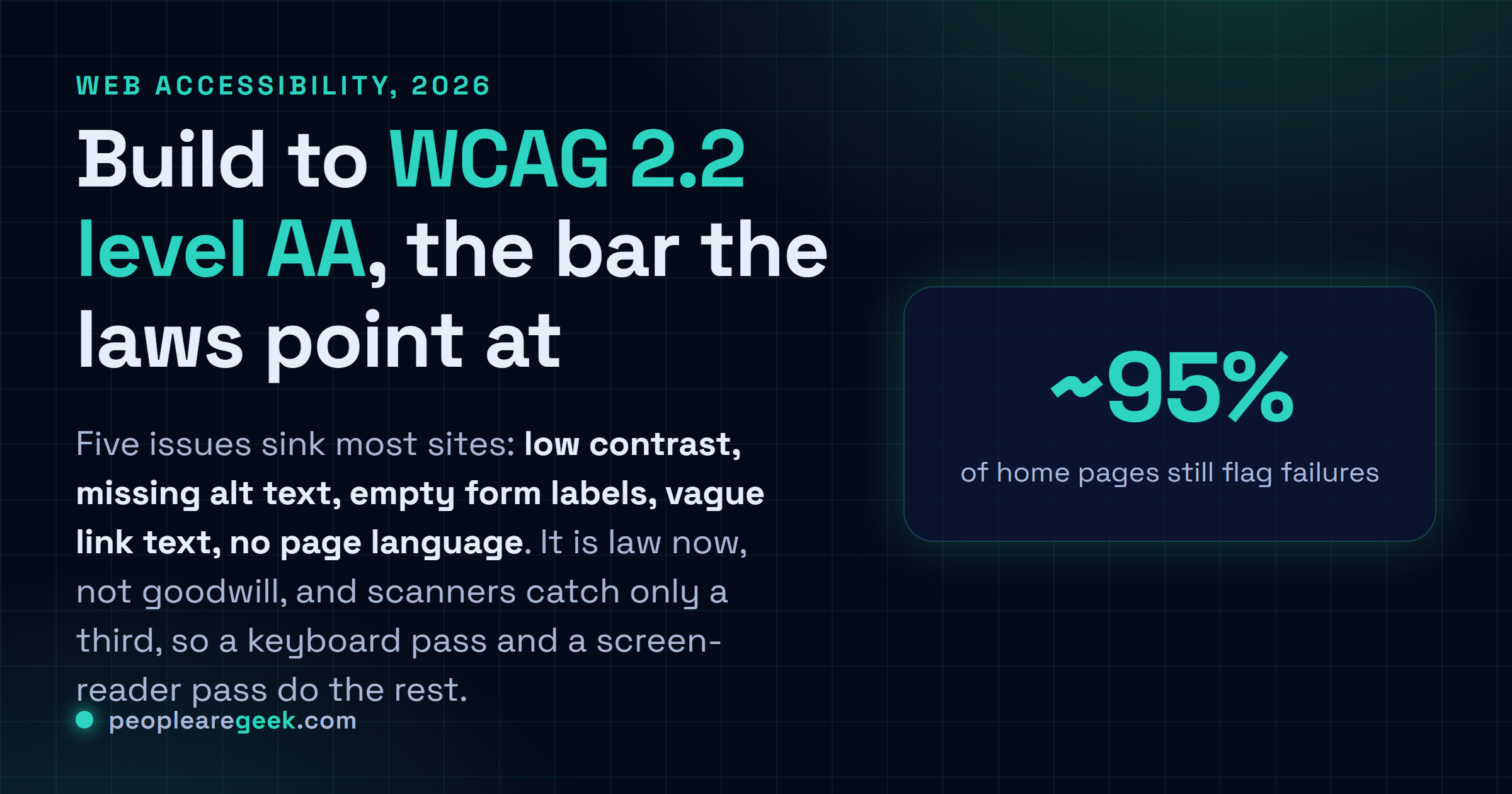
Accessibility stopped being optional. It happened quietly, but it happened. The European Accessibility Act went enforceable in June 2025. US courts keep siding with people who can't use a site that locks them out. And the WebAIM Million scan? Year after year, it still flags detectable failures on roughly 95% of home pages. So most of the web is now non-compliant and, more and more, a target. Here's the part nobody leads with, though: the fixes aren't exotic. A small pile of issues does most of the damage, and you can clear them without rebuilding a thing.
So this is the honest version. What WCAG actually asks of you in 2026, the handful of problems that sink the most sites, and how to test it yourself without hiring anyone.
What WCAG requires in 2026
WCAG is the W3C's Web Content Accessibility Guidelines. The stable version right now is 2.2, published as a W3C Recommendation back in 2023, and it sorts conformance into three levels: A, AA, AAA. Aim for AA. That's the bar every serious law and procurement rule points to, and honestly AAA is just impractical to hold across a whole site.
You'll hear people talk up WCAG 3.0. Don't treat it as a target yet. As of 2026 it's still a working draft, with a totally different scoring model, and it's years from normative. Build to 2.2 AA. It's the defensible call, and nothing about 3.0 lands later is going to make that work wasted.
The POUR principles in plain English
WCAG hangs everything off four principles, and they spell POUR. Worth memorizing. Mostly because it tells you, the second a check breaks, exactly which kind of user you just left behind.
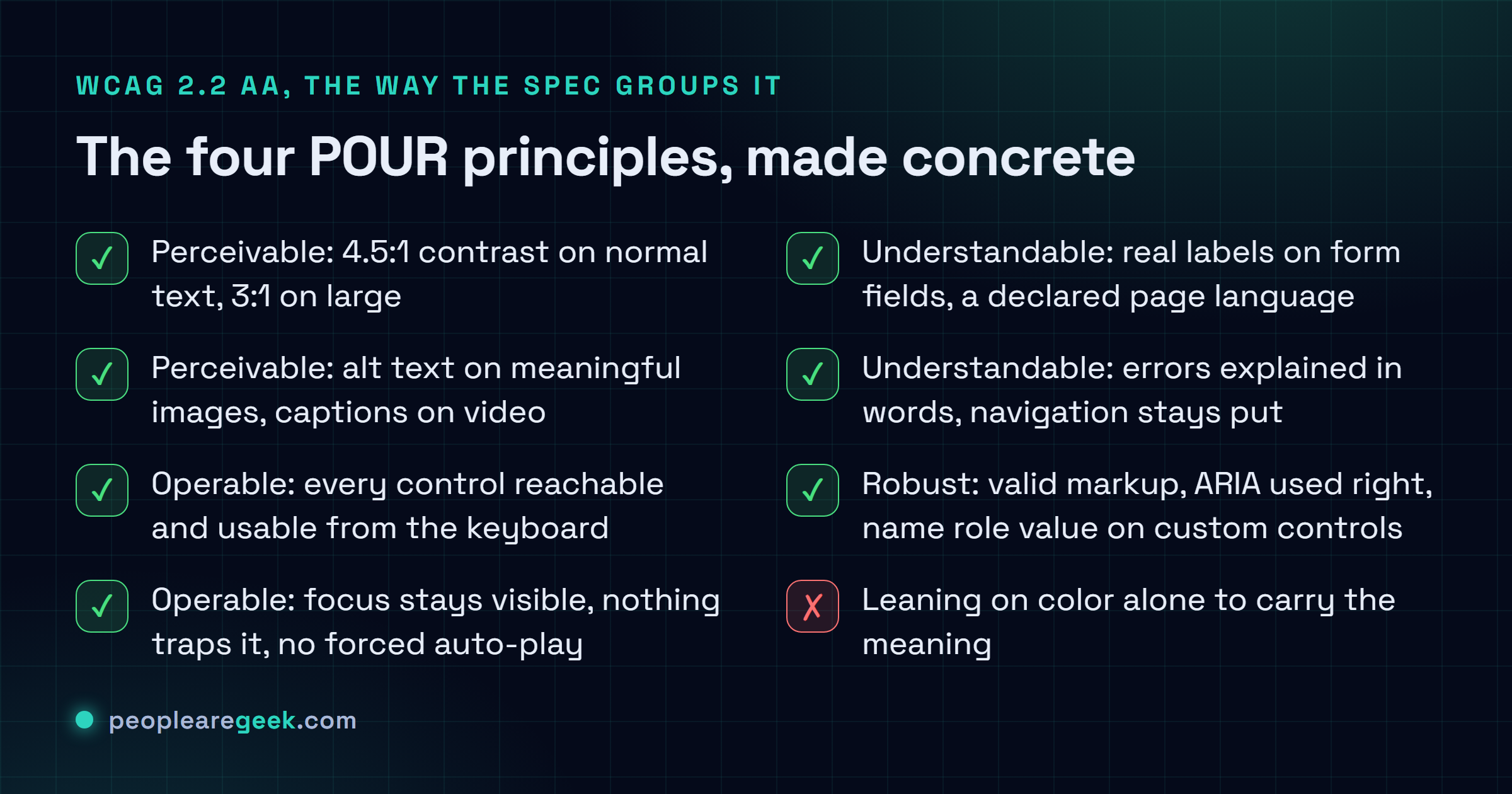
- Perceivable. Can people actually sense the content? Text contrast, alt text on images, captions on video. And never leaning on color alone to carry the meaning.
- Operable. Can they use it? Everything's got to work from the keyboard. Focus stays visible, nothing traps it, and don't auto-play stuff a person can't stop.
- Understandable. Is it clear and predictable? Form fields want labels. The page wants a declared language. Errors get explained in words, and the navigation doesn't move around on people.
- Robust. Will it survive assistive tech? Valid markup, ARIA used right, plus a proper name, role and value on every custom control you build.

The five issues that fail most sites
Spend your first afternoon here. The WebAIM Million analysis turns up the same short list at the top every single year, and just clearing it already puts you ahead of most broken sites out there.
| Issue | The fix | Principle |
|---|---|---|
| Low text contrast | Hit 4.5:1 for normal text, 3:1 for large. Check it, do not eyeball it. | Perceivable |
| Missing alt text | Describe meaningful images. Mark decorative ones with empty alt="". | Perceivable |
| Empty form labels | Every input gets a real <label>. A placeholder is not a label. | Understandable |
| Vague link text | Replace "click here" and "read more" with text that says where it goes. | Operable |
| Missing page language | Set <html lang="en"> so screen readers pick the right voice. | Understandable |
Contrast is the single most common failure on the web. It's also the easiest to kill, because it's just a number. Our WCAG color contrast checker hands you the ratio and the AA and AAA pass or fail in one shot, so you settle it before anything ships.
Where to start. Run contrast on your palette. Add alt text. Label every form field. That's the cheapest effort that reaches the most users, and it wipes out the failures that turn up in nearly every audit, and most of the lawsuits too.
Why it is not optional anymore
What changed since 2025 is legal, not moral. In the EU, the European Accessibility Act went enforceable on 28 June 2025, dragging a big swath of consumer-facing digital products and services into mandatory accessibility, e-commerce very much included. Over in the US, courts have spent years now treating websites as covered by the Americans with Disabilities Act, and the lawsuits run into the thousands a year. Public-sector bodies, meanwhile, answer to their own hard rules: Section 508, and the EN 301 549 standard that mirrors it in Europe.
The practical risk: a checkout or contact form nobody can use isn't just a missed customer anymore. It's documented legal exposure. Demand letters cite specific WCAG failures more and more, and that, honestly, is the whole reason building to 2.2 AA leaves you somewhere defensible.
How to actually test it
Testing splits clean down the middle: what a machine can check, and what only a person can. You need both halves. Skip the human half and you ship a site that sails through the scan and still locks out the people it was supposed to serve.
- Automated pass. Run axe, or WAVE, or Lighthouse. It catches contrast, missing alt, missing labels, broken ARIA. Expect roughly a third of the real issues. Useful. Not the whole picture.
- Keyboard pass. Put the mouse away. Now tab through the entire page. Can you reach everything, and actually use it? Is the focus ring visible the whole way? Does anything trap you? This one move alone catches a giant class of failures no scanner will ever see.
- Screen reader pass. Fire up VoiceOver, or NVDA, or TalkBack, and listen to one key flow. It's awkward the first time. It's also wildly clarifying, because you hear, word for word, what a blind user gets handed.
Sources
- W3C: Web Content Accessibility Guidelines (WCAG) 2.2
- WebAIM Million: annual accessibility analysis of the top one million home pages
- European Commission: the European Accessibility Act
- Section508.gov: US federal accessibility requirements
Frequently asked questions
Which WCAG version and level should I target?
WCAG 2.2, level AA. It's the current stable W3C Recommendation, and it's the level every serious law and procurement standard points at. AAA is stricter than most full sites can realistically hold, and WCAG 3.0 is still a draft you shouldn't be chasing yet.
Is web accessibility actually a legal requirement?
A lot of the time, yes. The European Accessibility Act has been enforceable since June 2025 across a wide range of digital products and services. US ADA case law treats websites as covered. Public-sector sites answer to Section 508 and EN 301 549. So it's a compliance obligation now, not a nice-to-have.
Can an automated checker make my site compliant?
No. Automated tools reliably catch contrast, missing alt text, labels and broken ARIA, which is about a third of the real issues. The rest comes down to keyboard navigation and screen-reader testing, and both of those need a human. A site that only passes a scanner can still fail the people using it.
What is the single most common failure?
Low text contrast, by a mile. The WebAIM Million scan finds it on the majority of home pages every year. It's also the easiest to fix, because it's a measurable ratio: aim for 4.5:1 on normal text and 3:1 on large text, then verify it with a contrast checker.
Does accessibility help SEO?
Yes, and the overlap is big. Semantic headings, descriptive alt text, real form labels, clear link text, a declared page language: all of it helps screen readers and search crawlers at the same time. Accessible markup is structured markup, and structured markup is exactly what ranking systems reward.